

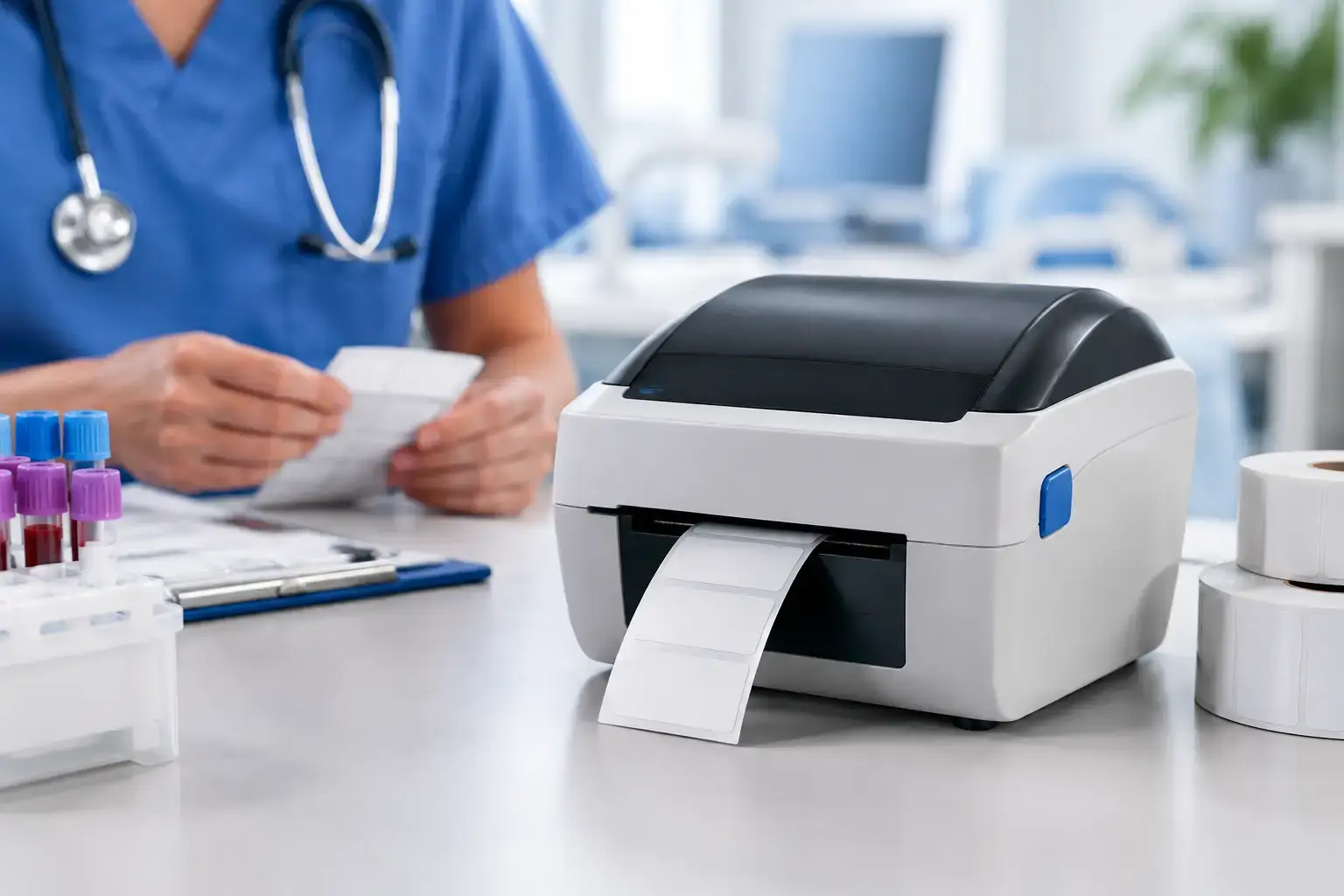
A mislabeled specimen, chart, medication bin, or wristband can interrupt care well beyond the registration desk. A thermal label printer for healthcare helps teams create clear, scannable labels at the point of care, where patient identity, timing, and workflow accuracy matter most. The right device is not simply a printing accessory. It is part of the identification process that connects people, records, samples, medications, and supplies.
For practice managers and hospital operations leaders, the buying decision should begin with the workflow. Label volume, media requirements, EHR compatibility, cleaning practices, and deployment support will have a greater impact on results than a printer’s headline print speed alone.
Where Healthcare Label Printing Has the Most Impact
Healthcare organizations print labels for far more than filing. Registration teams may produce patient identification labels after capturing an insurance card or photo ID. Lab and nursing staff may need specimen and medication labels at a workstation, while materials teams label inventory, assets, and supply locations. Each use case has different consequences when a label is hard to read, applied to the wrong item, or printed with the wrong patient data.
The operational benefit of direct thermal printing is straightforward: labels can be produced on demand without ink or toner. That reduces the number of supplies staff must monitor and avoids print quality issues caused by fading cartridges. Direct thermal media is often a practical choice for short-life applications such as patient visit labels, encounter paperwork, laboratory routing, and wristbands designed for a defined care period.
It depends, however, on how long the label must remain readable and the conditions it will face. Heat, sunlight, moisture, disinfectants, refrigeration, and frequent handling can affect some media. For labels that need longer life or greater environmental resistance, teams should evaluate thermal transfer printing and the matching ribbon and label stock. A lower device price does not offset a poor media choice that leads to unreadable barcodes or repeat work.
How to Specify a Thermal Label Printer for Healthcare
A productive evaluation separates the printer itself from the complete labeling system: device, labels, software or drivers, data source, barcode standards, and staff process. The following factors deserve attention before procurement.
Match print resolution to label content
Most healthcare labels include a mix of human-readable text and machine-readable data. Patient name, date of birth, medical record number, collection time, location, and barcode may all need to fit into a small space. A 203 dpi printer can suit many standard barcode labels, but 300 dpi may be the better choice when labels carry small fonts, dense 2D barcodes, or highly detailed content.
Print resolution is only one part of scan performance. The label design must preserve adequate quiet zones around barcodes, avoid overly compressed symbols, and use sufficient contrast. Test the final printed label with the scanners used at registration, bedside, in the lab, or in the pharmacy. A barcode that looks acceptable on screen can still fail when printed too small or placed on curved packaging.
Choose media for the real environment
Label size and adhesive are workflow decisions, not minor consumables details. A specimen label may require a different adhesive from a patient chart label, and a wristband requires material designed for skin contact and expected wear. Labels used in refrigerated or freezer storage need media rated for those temperatures. Labels applied to vials, bags, textured surfaces, or damp containers need practical testing on those exact surfaces.
Cleaning is another consideration. Clinical spaces are routinely disinfected, and staff need equipment that can be maintained without damaging print mechanisms or sensor areas. Establish a cleaning schedule and use approved supplies. This protects print quality and can prevent problems that appear as intermittent barcode failures, light text, or skipped labels.
Evaluate connectivity at the point of care
USB is often suitable for a dedicated workstation, while Ethernet can simplify management for a shared fixed location. Wi-Fi can be useful where cabling is difficult, but wireless deployment should be reviewed with IT for coverage, authentication, network segmentation, and reliability. Bluetooth may be appropriate for a mobile or tightly paired workflow, though it is not a substitute for a managed deployment plan.
The best connection method depends on who prints, where they work, and whether the printer needs to move. A registration desk with a stable workstation has different requirements than a mobile phlebotomy cart or a satellite clinic. Include power access, cable routing, available counter space, and the need for a protective enclosure in the assessment.
Confirm software, driver, and EHR workflow compatibility
A label printer should fit the workflow that creates patient data. Before purchasing, confirm that the relevant EHR, laboratory information system, pharmacy system, or registration application can send the required label format to the selected printer. Ask whether printing occurs through a native driver, browser-based application, middleware, print server, or an integration developed through an SDK.
This is where technical validation matters. Test patient names with hyphens, apostrophes, long names, multiple identifiers, special characters, and duplicate-name scenarios. Verify date and time formats, barcode symbology, reprint rules, printer selection behavior, and downtime procedures. If staff must manually retype information into a labeling application, the organization retains a source of avoidable error.
For organizations building or refining capture and labeling workflows, tools from providers such as Ambir can support the connection between front-desk capture, identification data, and label production. The key is to evaluate the entire workflow rather than treating the printer as an isolated endpoint.
Build Labels Around Positive Patient Identification
Patient safety requires more than placing a barcode on a label. The label must support the verification process used by the care team. That generally means presenting the correct patient identifiers in a readable format, using the approved barcode standard, and printing labels only after identity has been confirmed according to organizational policy.
Label templates should be controlled. When individual departments create their own versions without governance, they can introduce inconsistent identifiers, unclear abbreviations, or barcode layouts that do not scan consistently. A standardized template library gives IT, clinical leadership, laboratory teams, and compliance stakeholders a defined process for changes.
Reprints require equal care. A printer can make it easy to print another label, but the workflow should record or govern reprints when needed. Teams should know how to handle a damaged label, a cancelled encounter, a merged record, or a patient who has been registered incorrectly. The goal is to keep duplicate or outdated labels from remaining in the workflow.
Plan for Reliability, Support, and Total Cost
A thermal label printer is often a small device with a large operational footprint. If it fails at a registration counter or specimen collection station, staff may fall back to handwriting, use a distant printer, or delay the next step. Those workarounds increase pressure on staff and can weaken consistency.
Evaluate expected daily volume, peak periods, cutter needs, media loading method, and replacement procedures. A clinic printing a moderate number of labels throughout the day may prioritize a compact footprint and simple loading. A busy hospital department may need greater capacity, network management, and a service strategy that limits disruption during high-volume periods.
Total cost includes more than the printer and labels. Consider deployment time, driver configuration, template design, help desk calls, cleaning supplies, staff training, warranties, and the labor cost of reprints. Standardizing on compatible models and approved media can reduce training and simplify support across multiple locations.
Security also belongs in the deployment plan. Printers handling protected health information should be placed where labels are not visible to unauthorized people. Network-connected devices should follow the organization’s access, segmentation, firmware, and asset-management policies. Remove retired printers through an approved process, particularly if they retain configuration data or are attached to managed print environments.
Test Before Standardizing
A short pilot can uncover issues that specification sheets will not show. Test the printer at the intended workstation with the actual application, label stock, scanner, and users. Run labels during busy periods, test reloading procedures, and verify barcode reads after labels are handled as they would be in normal care delivery.
Gather feedback from the people who use the equipment every day. Registration staff can identify counter-space and reprint concerns. Clinical users can report whether text is easy to read at a glance. IT can confirm driver behavior and network management. Supply and compliance teams can validate media performance and process controls.
A healthcare labeling program works best when printing is treated as a controlled part of patient identification, not an afterthought at the end of a workflow. Select the device and media around the reality of the care setting, then give staff a tested process they can rely on when the pace picks up.