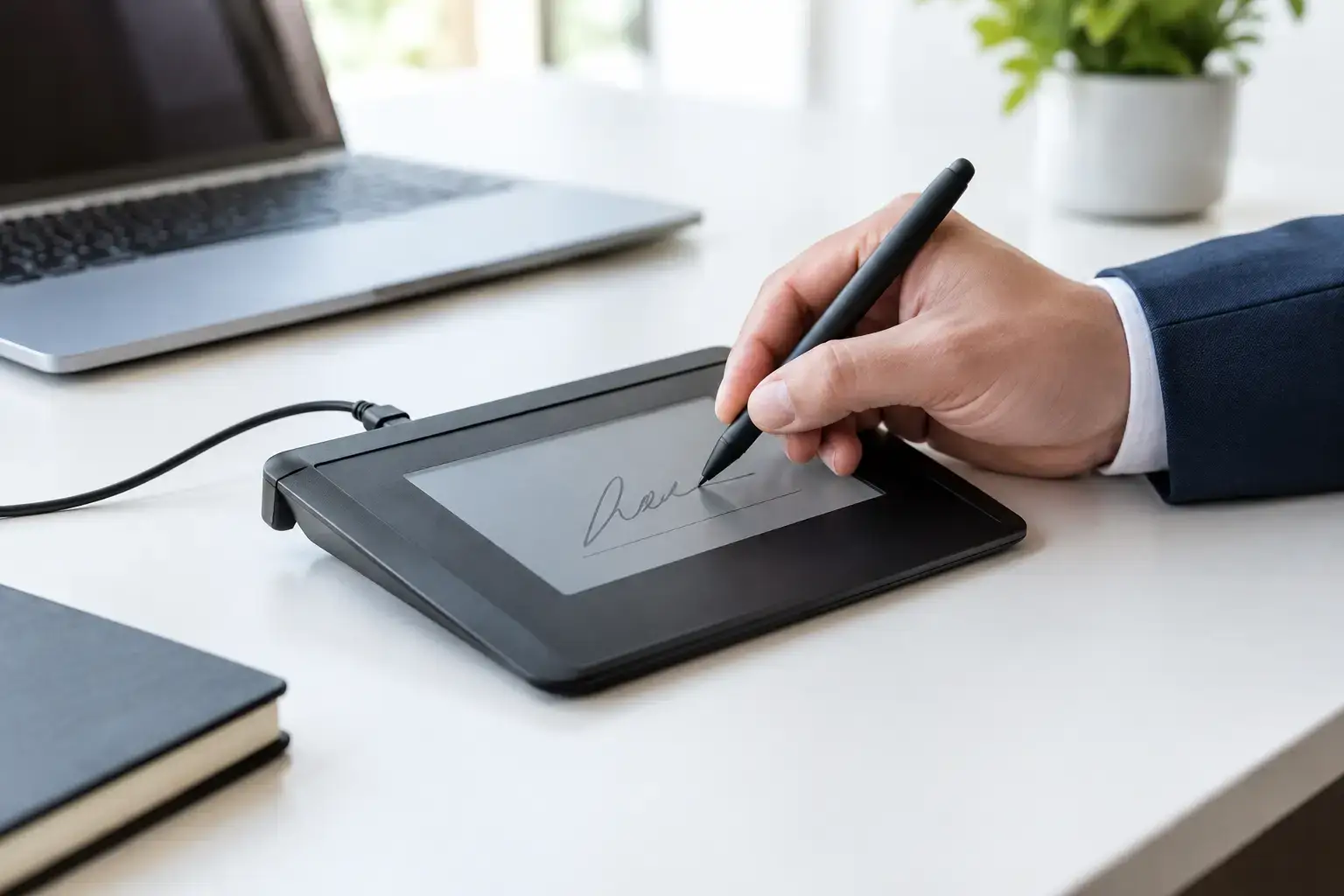


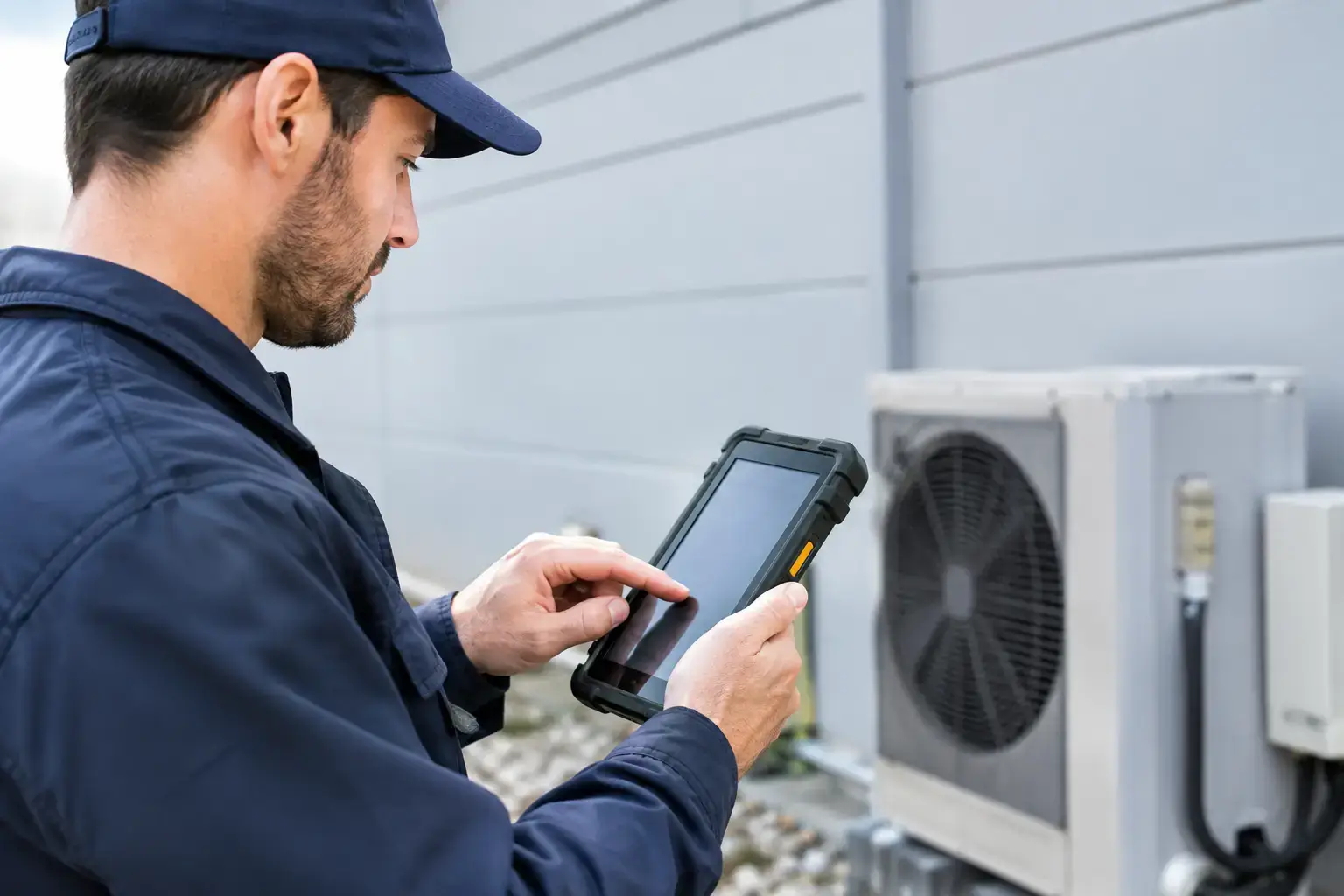
A signed work order sitting in a technician’s truck is not a completed record. Until it reaches the dispatch, billing, asset-management, or customer system, someone still has to find it, read it, enter it, and verify it. A mobile scanner for field service closes that gap by turning paperwork, IDs, service reports, and supporting documents into usable digital records while the job is still fresh.
For operations leaders, the question is not simply whether technicians need a portable scanner. It is whether the capture process will reduce follow-up work without creating another device that is difficult to carry, support, or integrate. The right choice depends on what is scanned, where technicians work, how often they scan, and where the resulting files and data need to go.
Why a mobile scanner for field service changes the workflow
Field teams routinely handle documents that have value beyond the immediate service call. A technician may need to capture a customer authorization, equipment inspection form, proof of delivery, invoice, warranty document, purchase order, insurance card, or government-issued ID. When those records return to the office as paper, photos, or delayed uploads, the administrative burden shifts downstream.
A purpose-built mobile scanner creates a more consistent handoff. Documents can be captured in a legible, standardized format, named according to a job or account convention, and routed into the appropriate workflow. That can help billing teams invoice sooner, supervisors review documentation faster, and customer service staff answer questions without tracking down a technician or requesting a replacement copy.
The distinction between scanning and taking a phone photo matters. Smartphone cameras are useful for quick visual evidence, particularly for damaged equipment or job-site conditions. But they can introduce perspective distortion, shadows, inconsistent file sizes, personal-device storage concerns, and uneven document quality. For records that must be readable, indexed, retained, or entered into a business system, a scanner offers more controlled capture.
Start with the documents technicians actually handle
Buying decisions should begin with the field workflow rather than a specification sheet. A team servicing commercial HVAC equipment has different needs from a home-health organization collecting signed forms, or a utility contractor documenting inspections at remote sites.
First, consider document size and condition. Standard letter-size work orders are common, but field teams may also receive receipts, multi-page service packets, narrow invoices, laminated cards, and thick or worn paperwork. A scanner should accommodate the materials employees see every day, not only clean sheets prepared for a demonstration.
Then consider sidedness. If technicians scan double-sided forms, IDs, or insurance cards, duplex capture can eliminate an extra handling step and reduce the risk of missing information on the reverse side. For teams that primarily scan single-page authorizations, a simpler device may be sufficient. The right answer depends on volume and consequences: rescanning one form is manageable; discovering hundreds of incomplete records at month-end is not.
Also account for scan frequency. A technician who scans one signed document per day may prioritize compact size and simple setup. A mobile team processing several customer packets at each stop may benefit more from faster throughput, automatic image handling, and dependable feeding. Portability is valuable, but it should not come at the expense of the capacity required by the actual workload.
Capture quality affects every team after the field visit
Poor images create costs that are easy to underestimate. A dark, cropped, skewed, or unreadable scan may trigger a customer callback, a delayed invoice, a compliance exception, or manual data correction. Field staff lose time resolving issues they believed were complete, while office teams spend time chasing information.
Look for capture capabilities that support clean, readable records, including automatic cropping, deskewing, color handling, blank-page removal, and image enhancement where appropriate. These features are especially useful when documents are completed on clipboards, in vehicles, or at customer locations with uneven lighting.
For ID cards and insurance cards, image clarity is only part of the requirement. Teams may need both sides of the card captured consistently, with data available for registration, verification, account setup, or record matching. That workflow calls for hardware and software designed around card capture, not an improvised photo process.
Evaluate the complete field workflow, not just the device
A scanner can produce excellent images and still fail operationally if those images remain stranded on a laptop or mobile device. Before selecting hardware, map the full path from customer interaction to completed record.
Ask how technicians will connect the scanner, where scans will be saved initially, and how files will reach the field-service management platform, CRM, EMR/EHR, document repository, or accounting system. In some organizations, a technician scans directly to a laptop application at the job site. In others, documents sync later when a secure network connection is available. Either approach can work when it matches the environment and information-security requirements.
File naming and indexing deserve equal attention. If every technician uses a different naming pattern, office staff may spend more time locating records than they saved during capture. A practical workflow ties documents to a work order number, customer account, asset ID, or service date. Where data extraction or barcode recognition is appropriate, it can reduce typing and improve consistency.
Software compatibility is therefore a core purchasing criterion. Teams should confirm operating-system support, driver deployment requirements, file-format options, and compatibility with the applications that manage the work. Organizations with specialized or proprietary systems may need an SDK or web-based capture approach to embed scanning directly into their workflow.
Balance portability, power, and reliability
Field equipment needs to earn its place in a vehicle, bag, or mobile workstation. A compact scanner is easier to carry between job sites, but technicians also need dependable connectivity and enough power to finish the day’s work. Battery operation can be valuable for remote locations, while USB-powered scanning may be more practical for users who routinely work from a laptop or vehicle setup.
Reliability includes the details that affect adoption. Cables should be easy to replace. Drivers should be manageable for IT. Cleaning and maintenance should be straightforward. If a device requires frequent troubleshooting, technicians may revert to photos, paper storage, or delayed office scanning, defeating the purpose of the investment.
Consider environmental use realistically. A field scanner may be used in a customer lobby one hour and in a truck cab the next. It may encounter dust, receipts, folded forms, and documents that have been handled outdoors. Hardware does not need to be indestructible to be effective, but its design should fit how employees work rather than require employees to work around it.
Protect customer and business information in the field
Field documents often contain personally identifiable information, financial details, health information, signatures, and account data. That makes the scanner part of the organization’s information-handling process, not merely a convenience device.
A sound deployment defines who can capture records, where files are stored, when they synchronize, and how long local copies remain on a device. Managed laptops, controlled user access, encryption policies, and retention rules all matter. So does training. Technicians should know which documents require scanning, how to check image quality before leaving the site, and what to do if a document cannot be captured successfully.
For healthcare and other regulated environments, integration choices require additional scrutiny. The objective is not to add steps for their own sake. It is to make the compliant process the easiest process for the person completing intake, service, or delivery documentation.
Plan for adoption before rollout
The best implementation begins with a pilot. Select a representative group of technicians, job types, and locations. Include both experienced mobile users and employees who are less comfortable with new hardware. Their feedback will reveal whether the carrying method, scan speed, software prompts, and naming conventions work under normal conditions.
Define a small set of measures before deployment: time from service completion to document availability, percentage of records requiring rescans, invoice turnaround time, and number of missing or misfiled documents. Those measures connect the investment to operational outcomes rather than treating scanning as an isolated hardware purchase.
Training should be brief and specific. Show technicians how to load documents, verify the preview, associate the scan with the correct job, and resolve common issues. Give supervisors a clear escalation path for device or software problems. AMBIR supports capture solutions that can fit these workflows, from portable document and card scanners to software and integration tools that route information where it is needed.
A mobile capture program works best when it respects the technician’s time. Choose a process that takes seconds, produces a readable record, and makes the next team’s job easier. When field documentation becomes part of the completed service event instead of an after-hours administrative task, teams can spend less effort recovering information and more effort serving customers.