

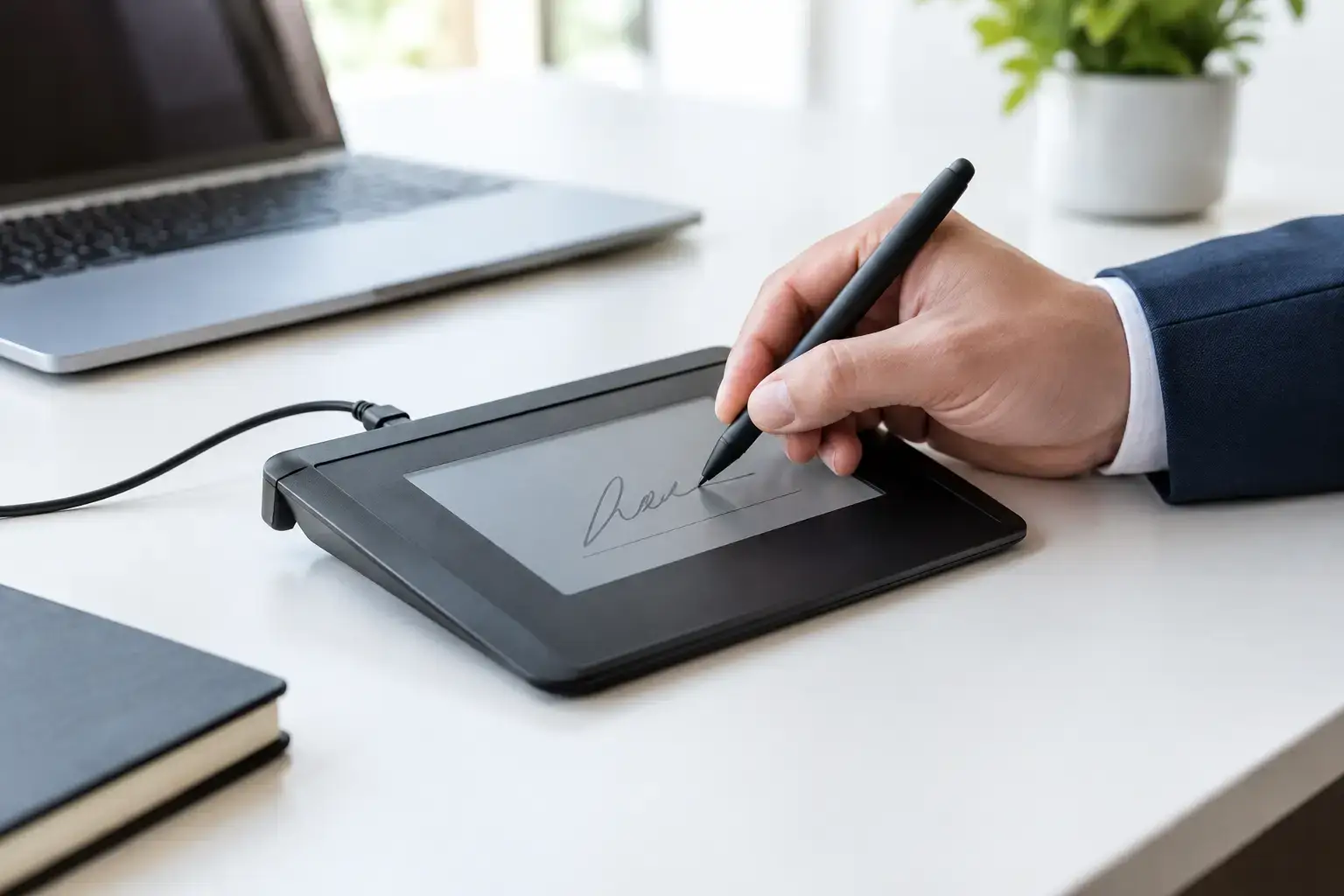
A paper form is often the last manual step in an otherwise digital process. A patient checks in online but signs a clipboard at the front desk. A bank customer completes an application on screen but receives a printed consent form. A field technician closes a work order electronically, then photographs a handwritten signature. An electronic signature pad for forms removes that break in the workflow by capturing the signature at the point of service and associating it with the right record.
For organizations processing regulated information, the device is more than a peripheral. It affects intake speed, document completeness, record quality, user experience, and the effort required to retrieve a signed form later. The right choice depends on how forms are created, where signatures are collected, and how the completed record moves into an EMR, CRM, document-management system, or line-of-business application.
Where signature pads make the biggest difference
Signature pads are most useful when an employee needs a signature while a customer, patient, constituent, or client is physically present. Healthcare registration is a familiar example: staff may need signatures for consent to treat, privacy notices, financial responsibility, release-of-information requests, and payment acknowledgments. Capturing those signatures directly within the intake workflow reduces paper handling and helps keep documents attached to the correct patient record.
Financial institutions and accounting firms use signature capture for account paperwork, disclosures, tax-document acknowledgments, and transaction records. Government offices can use it for applications, permits, benefits documentation, or visitor processing. In field service, a technician can obtain proof of completion before leaving the job site.
The operational value is straightforward. Staff do not need to print a form, wait for it to be signed, scan it back in, name the file, and route it manually. That reduces touchpoints where pages can be misplaced, scanned poorly, or filed to the wrong account. It also gives the person signing a clearer, more immediate experience than asking them to sign a sheet that will later be digitized.
What an electronic signature pad for forms should do
A signature pad should capture a clear visual signature, but image quality is only the starting point. The device needs to work reliably with the application and operating environment that staff use every day. If front-desk employees must open a separate program, save a signature as a file, and manually insert it into a form, the process may remain slow and error-prone.
For many workflows, the most effective setup allows the signature pad to send signature data directly to the form or application currently in use. That may be a browser-based intake tool, desktop software, a custom application, or an integrated EMR workflow. The implementation path varies. Some teams need a ready-to-use driver and supported application connection; software providers and IT teams may need an SDK to build signature capture into their own interface.
The signing experience matters, too. A responsive pad with a readable display gives users confidence that their signature has been recorded. For forms with terms or acknowledgments, a display can also present a brief prompt, confirmation message, or signature instruction. In busy settings, clear visual guidance reduces incomplete transactions and repeated explanations from staff.
Start with the workflow, not the device specification
Procurement teams can compare screen sizes, connectivity, and pricing quickly. Those factors matter, but the better starting point is the transaction itself. Ask what happens before the signature, during signature capture, and after the form is completed.
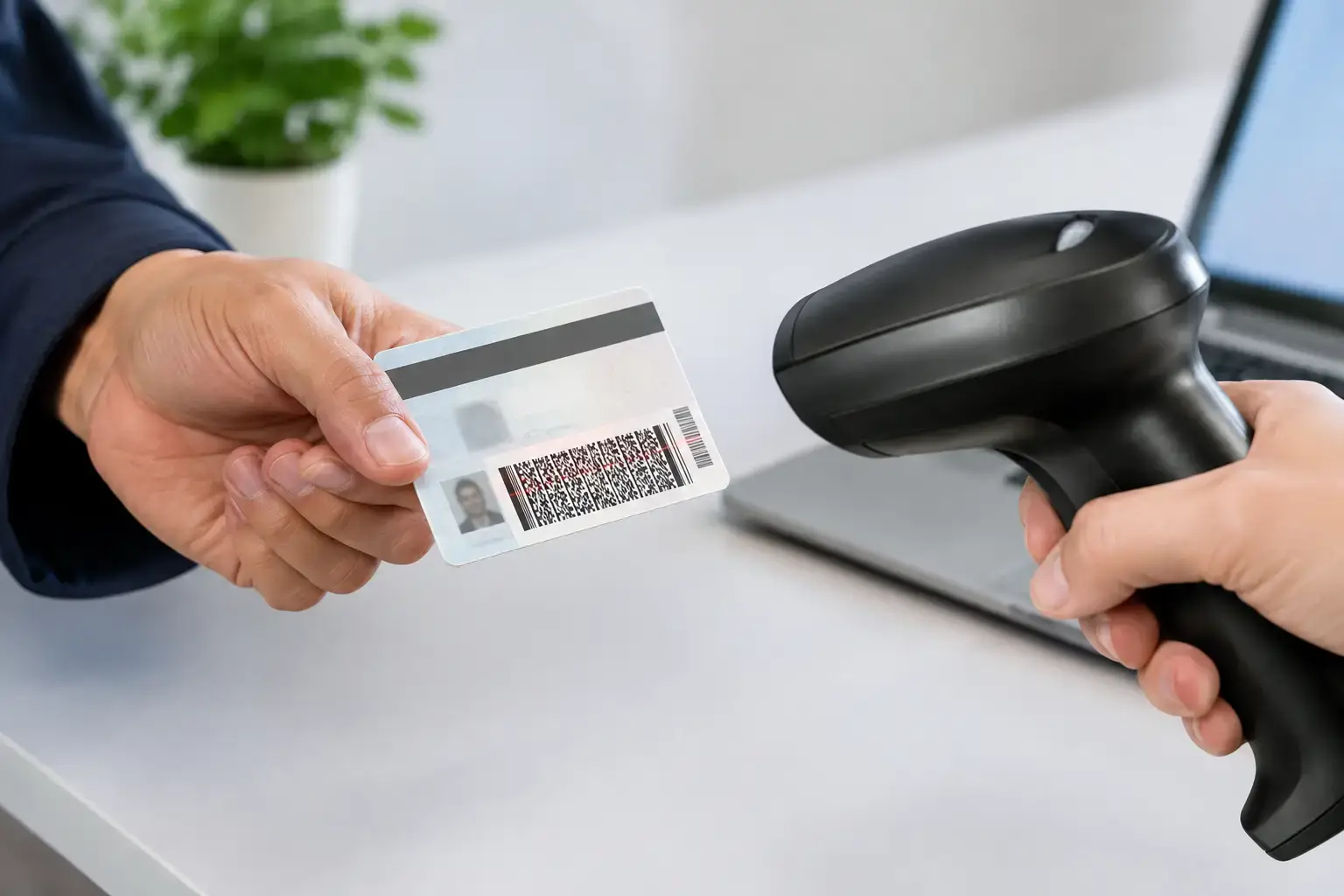
Before signing, determine whether the form is already digital or begins as a paper document. If paper is still required, a document scanner may be part of the same workflow. For example, registration staff may scan an insurance card and photo ID, complete an electronic intake form, capture a signature, and send all assets to the patient chart. Treating those steps as one process makes it easier to identify where data entry, delays, and duplicate handling occur.
During signing, consider volume and environment. A high-traffic admissions desk needs hardware that can withstand repeated use and can be positioned comfortably for both staff and visitors. A mobile service team may prioritize portability and simple USB connectivity. A teller line or retail counter may require a compact footprint with durable construction and a clear signing surface.
After signing, identify the record destination. Does the signature become part of a PDF? Is it stored as an image, linked to a transaction, or used to complete a structured electronic form? Who can retrieve it later? Clear answers help IT and compliance teams evaluate whether the proposed process supports records retention, audits, and internal access controls.
Integration determines whether capture saves time
A signature pad can be technically compatible with a workstation yet still create friction if it is not compatible with the software workflow. This distinction is critical. A device that works as a basic input peripheral may not automatically place a signature in the correct document, associate it with the right account, or trigger the next workflow step.
For off-the-shelf systems, validate supported operating systems, browser requirements where applicable, available drivers, and the exact software version in use. For custom applications, ask whether the provider offers an SDK, documentation, sample code, and technical support appropriate for your development team. Integration should also account for deployment realities: locked-down endpoints, virtual desktop environments, shared workstations, and device replacement procedures.
A practical proof of concept should test more than whether a signature appears on screen. Process a realistic transaction from beginning to end. Include the same forms, permissions, data fields, document destinations, and staff roles used in production. Then verify that the final signed record is searchable, readable, and available to authorized users without extra manual work.
Security and compliance need workflow controls
Organizations often ask whether a handwritten electronic signature is secure. The more useful question is how the entire transaction is controlled. A signature image alone does not establish a complete process. The surrounding application should identify the signer, record the relevant form version, control access to documents, and preserve the completed record according to organizational policy and applicable requirements.
Healthcare organizations should evaluate signature capture as part of their broader privacy and EMR workflow. The device itself should support dependable capture at registration, while the connected system should apply appropriate user authentication, access controls, audit logging, and retention practices. Financial services, public-sector offices, and other regulated environments face similar requirements, even when their policies and governing rules differ.
Avoid treating a signature pad as a substitute for legal or compliance review. Whether a particular electronic signature process is appropriate can depend on the document type, the consent language, the industry, and the system of record. Operations, IT, legal, and compliance stakeholders should agree on the process before a large deployment.
Plan for the people at the counter
The best signature capture process is easy for the person signing and predictable for the employee assisting them. Small design decisions have an outsized effect in a reception area. Position the device where it can be reached without passing hardware across a counter. Keep cables protected from snagging. Use a stable stand or placement that prevents the pad from sliding while someone writes.
Staff training should be brief and specific. Employees need to know how to confirm a successful capture, what to do when a signer makes a mistake, and how to handle a device that is disconnected or unavailable. A documented fallback procedure is worth having, particularly in clinical, financial, or public-service operations where intake cannot simply stop.
It is also wise to standardize the signature experience across locations when possible. Consistent hardware, forms, instructions, and support procedures reduce training time and make it easier for IT teams to manage replacements, drivers, and help desk requests.
Evaluate total cost, not just unit price
The least expensive device can become costly if it requires manual steps, frequent replacement, or custom work that does not match the organization’s application environment. A more useful evaluation includes implementation effort, support needs, expected service life, integration maintenance, and the labor saved per transaction.
Consider the cost of printing forms, scanning signed pages, indexing records, correcting filing errors, and responding to requests for missing documentation. In a high-volume intake setting, even a small reduction in handling time can compound quickly. The business case becomes stronger when signature capture is combined with ID, insurance-card, or document capture in a coordinated digital workflow.
AMBIR signature capture solutions are designed for organizations that need dependable hardware at the point of service, with practical compatibility for digitized document workflows. The right configuration should fit the applications your teams already rely on while giving staff a simple, repeatable process.
A signature pad earns its place at the desk when it does not feel like another system to manage. It should help staff finish the transaction in front of them, create a complete record immediately, and move the next person through the process with less paper and less uncertainty.