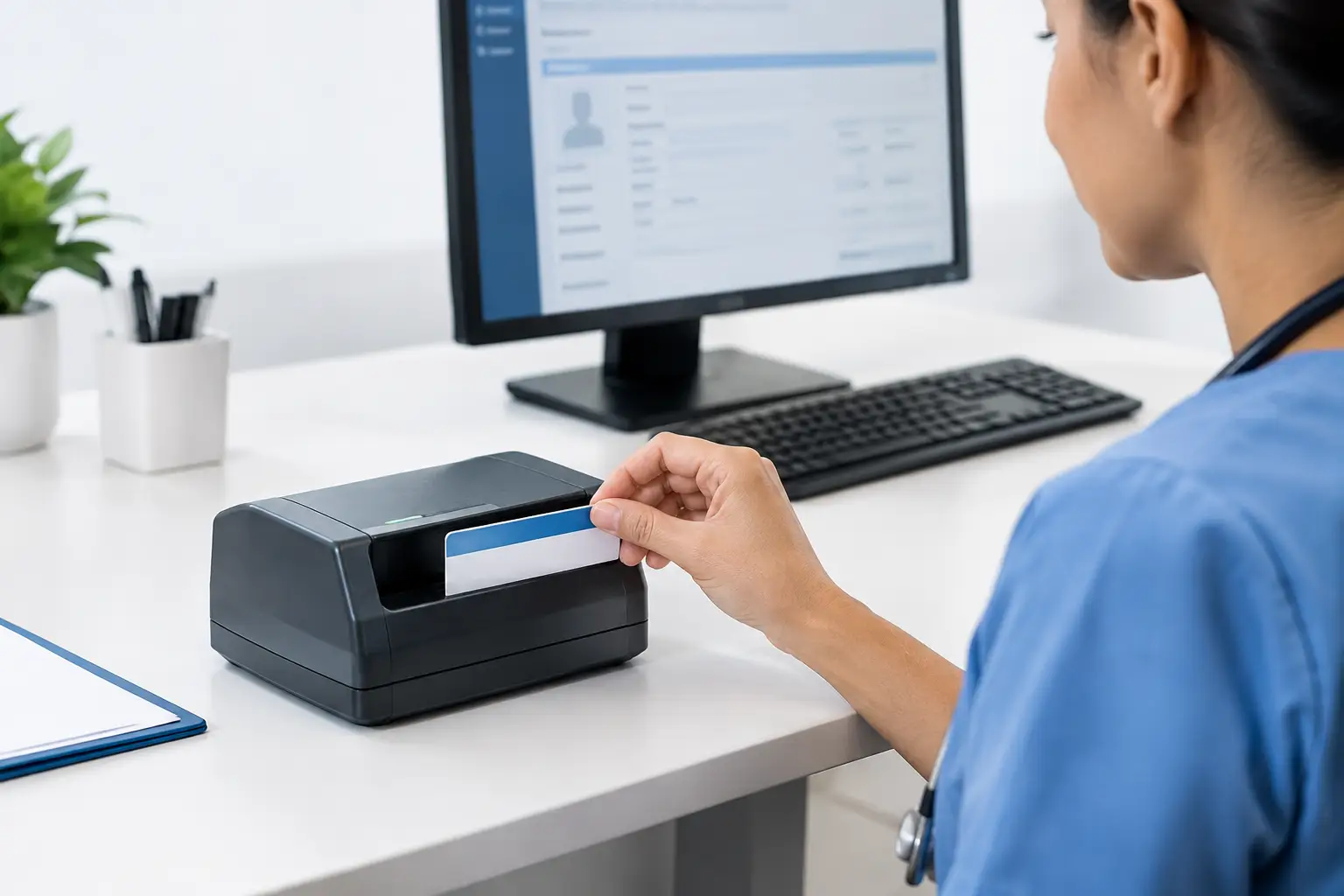



A crowded registration desk exposes every weak point in an intake process. Staff need to verify who is standing in front of them, capture insurance information, update the record, and keep the line moving without entering data twice. A patient ID scanner for registration helps turn that sequence into a controlled, repeatable workflow instead of a manual data-entry task.
The right device does more than create an image of a card. It needs to capture clear front-and-back records, fit the physical registration environment, work with the organization’s software, and support appropriate safeguards for protected health information. For hospitals, physician practices, urgent care centers, and specialty clinics, those details determine whether scanning reduces work or simply adds another step.
What a patient ID scanner should accomplish
At minimum, a registration scanner should create a readable digital image of a patient identification card or insurance card in seconds. That image gives staff a reliable reference in the patient record and reduces the need to repeatedly handle physical cards during check-in.
The greater value comes from combining image capture with data extraction and workflow routing. Depending on the card type and software configuration, a scanner may capture printed information through optical character recognition, read a barcode, or preserve a high-quality image for staff review. The appropriate method depends on what is encoded on the document and what the EHR, practice management, or registration application can accept.
This distinction matters. A clean image can be the right answer when staff need a compliant document copy and a payer verification team reviews details later. In a high-volume registration setting, extracting demographic or insurance data can reduce keystrokes and help prevent transposed member IDs, incorrect dates of birth, and coverage selection errors.
Match the scanner to the cards at your desk
Patient registration rarely involves one document type. A single visit may require a driver’s license, state ID, insurance card, referral, consent form, and payment documentation. Selecting a device based only on one card can create bottlenecks when the workflow expands.
Card size, thickness, and two-sided capture
Most insurance and identification cards are wallet-sized, but physical condition varies. Worn cards, embossed surfaces, laminated credentials, and cards with information on both sides can affect capture quality. A scanner designed for ID cards should consistently handle those materials while producing legible images without frequent rescans.
Two-sided capture is particularly useful for insurance cards. Payer instructions, pharmacy information, customer-service numbers, and barcodes are often printed on the reverse side. If staff must flip and scan a card manually, the time savings shrink and the chance of omitting the back image rises.
For organizations that also scan documents at the registration desk, consider whether a dedicated card scanner should sit alongside a document scanner or whether one device can support the expected mix. A specialized card scanner is often the better fit for repeated ID and insurance capture. A broader document workflow may call for an additional sheet-fed scanner rather than forcing staff to use one device for every task.
Image quality and readable data
Registration teams need images that remain useful after they enter the patient record. Fine print, light text on patterned card backgrounds, and glare from laminated IDs can make poor scans difficult to interpret. Evaluate capture quality using actual cards from your patient population, including older insurance cards and commonly presented state IDs.
If data extraction is part of the plan, test the output, not just the scan. Confirm that names, member IDs, group numbers, dates, and addresses map correctly into the intended fields. OCR can reduce manual work, but it should support staff verification rather than replace it. Card designs change, and incomplete or unclear source data still require human judgment.
Integration is where registration value is created
A scanner that captures an excellent image but requires staff to save it locally, rename it, and upload it manually has not solved the registration problem. The most effective workflow sends the captured image and available data to the appropriate patient record with as few actions as possible.
Start with the systems that own the workflow: the EHR or EMR, practice management platform, patient registration application, document management system, or revenue-cycle tools. IT teams should confirm how the scanner connects to those applications and whether the workflow uses a desktop driver, browser-based capture, an integration utility, or an SDK.
For multi-site organizations, consistency matters as much as compatibility. A standardized capture process helps a registration employee at a satellite clinic follow the same steps as a hospital admissions specialist. It also gives IT a clearer path for device deployment, updates, support, and troubleshooting.
Ambir supports healthcare capture workflows with specialized scanners and software options designed to route ID, insurance card, and document images into digital records processes. The practical question is not whether a device can scan a card. It is whether the complete workflow fits the applications, security requirements, and staff routines already in place.
Build privacy and security into the front desk process
Patient IDs and insurance cards contain sensitive information. A registration workflow should reduce the number of places that information is stored, displayed, printed, or left waiting for manual processing.
Begin by defining where scanned files reside and who can access them. Local desktop folders and shared drives can create avoidable exposure when images are not automatically routed to the approved system of record. Role-based access, workstation controls, and retention practices should align with the organization’s privacy policies and applicable HIPAA obligations.
Physical workflow matters too. Staff should be able to return cards promptly, verify the captured image when needed, and avoid leaving documents on the counter. A compact scanner at each active registration station can be preferable to a shared device across the room, especially when patient volume is steady. However, centralized scanning may be more economical for lower-volume offices with a defined intake handoff.
Evaluate total cost beyond the purchase price
A low-cost scanner can become expensive if it causes frequent rescans, driver issues, difficult replacements, or inconsistent results across locations. Procurement and IT teams should weigh the full operating picture: device reliability, warranty options, cleaning requirements, deployment effort, software compatibility, support availability, and expected lifecycle.
Registration labor is also part of the calculation. If scanning eliminates even a few manual fields per patient, reduces missing card images, or prevents a portion of coverage-entry corrections, the operational impact can be meaningful over thousands of visits. Measure baseline intake time and error rates before rollout so the organization can verify results after deployment.
A short pilot is usually more informative than a feature comparison alone. Place the scanner with actual registration staff, use real workflows, and observe what happens during busy periods. Look for issues such as unclear prompts, delayed application response, exceptions for damaged cards, and the number of steps required to attach an image to the correct chart.
Prepare staff for exceptions, not just the standard path
The standard workflow may take only seconds, but exceptions define the patient experience. A card may be damaged, a patient may not have current identification, a payer record may not match the demographic record, or the scanner may be temporarily unavailable. Staff need a clear fallback procedure that preserves accuracy without stopping registration.
Training should explain what to verify after capture, when to rescan, how to identify an unreadable image, and where to route unresolved issues. It should also make clear that scanning supports identity and coverage documentation but does not replace the organization’s established verification policies.
The best registration technology feels routine to staff and nearly invisible to patients. When a patient ID scanner is selected around the actual intake process, it gives teams more time to focus on the person at the desk rather than the card in their hand.