


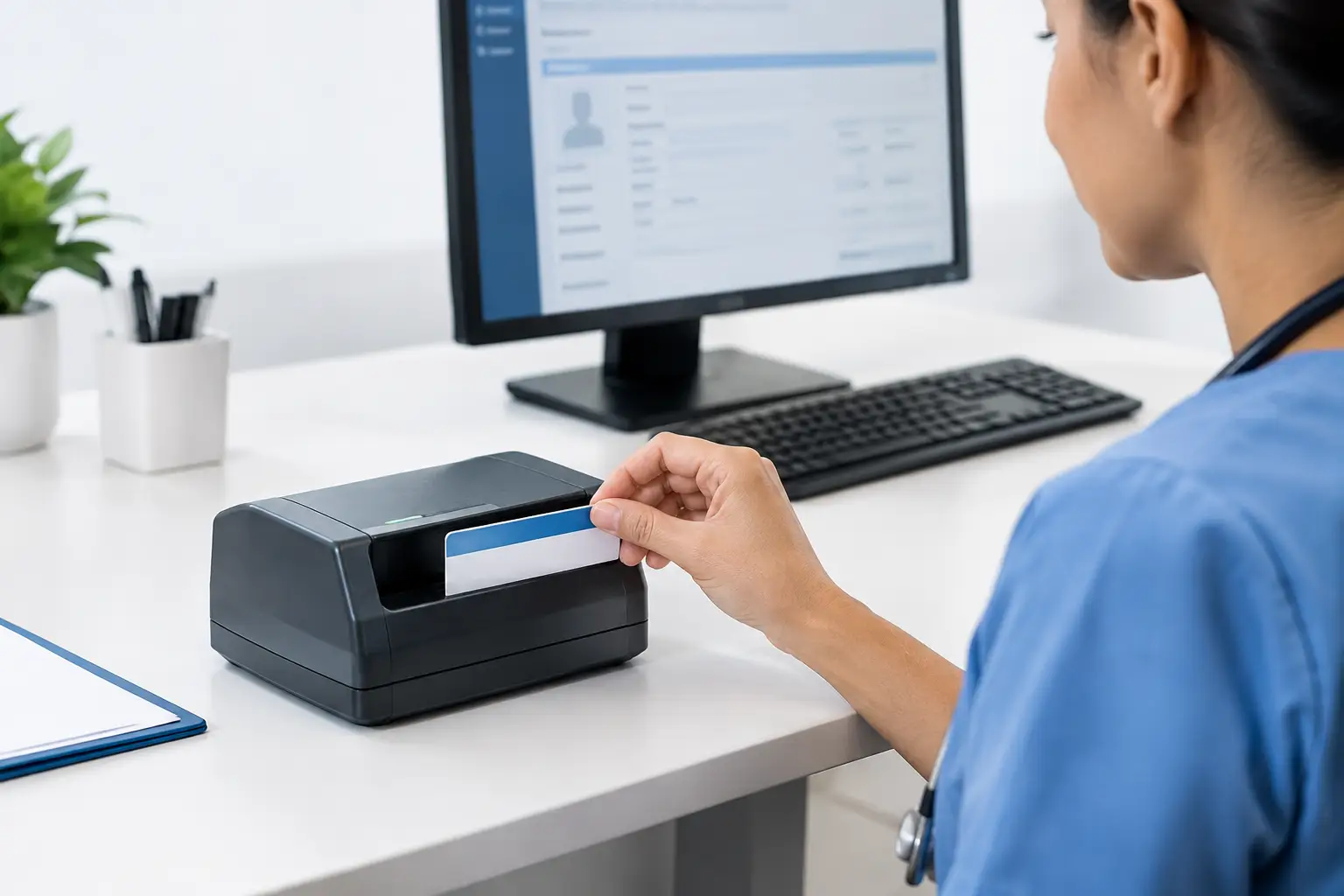
A patient hands over a worn insurance card at check-in, the waiting room is full, and the eligibility response is needed before the appointment can move forward. In that moment, an insurance card scanner for EHR is not simply a peripheral. It is a front-line intake tool that affects registration speed, claim quality, staff workload, and the completeness of the patient record.
Manual card entry creates predictable problems. Staff may transpose a member ID, miss a group number, enter an old payer address, or scan an image that cannot be found later. The downstream result can be delayed eligibility verification, avoidable denials, repeated calls to patients, and slower reimbursement. A purpose-built capture workflow gives registration teams a faster way to collect the card image and make it available where it is needed.
What an insurance card scanner for EHR should do
The basic requirement is straightforward: capture clear images of both sides of an insurance card and associate them with the right patient record. The operational requirements are more demanding. The device, capture software, and EHR workflow need to work together reliably across busy registration desks, satellite clinics, urgent care locations, and specialty practices.
A scanner should produce legible color images that preserve small text, payer logos, barcodes, and plan details. Insurance cards are compact, but their layouts vary widely. Some use low-contrast printing, glossy finishes, or tightly spaced fields. A captured image that looks acceptable on screen but obscures a subscriber ID or copay detail does not solve the intake problem.
Speed matters as well, particularly at high-volume check-in points. A card scanner designed for front-desk use should support quick single-card capture without requiring staff to align documents manually on a flatbed. Duplex capture is especially valuable because it collects the front and back in one pass. That reduces handling and helps ensure the record includes the information often printed on the reverse side, such as claims instructions, customer service numbers, or pharmacy benefit details.
The scanner also needs to fit the physical environment. Registration counters have limited space, and staff may capture cards, photo IDs, referrals, consent forms, and other documents throughout the day. Compact hardware with dependable feeding and a workflow that staff can learn quickly is usually more valuable than a feature set that adds complexity without improving throughput.
Image capture is only the first step
A clear image is essential, but image capture alone does not guarantee a cleaner EHR record. The full workflow determines whether the image reaches the appropriate patient chart, is named consistently, and can be retrieved by authorized users without a search through a shared folder.
For many organizations, the preferred workflow is to scan the insurance card directly from the registration workstation and route the image into the EHR or document management system. Depending on the application, staff may select the patient first, apply a document type such as Insurance Card Front or Insurance Card Back, and save the capture to that chart. This approach helps preserve context and reduces the risk of attaching a card to the wrong encounter or patient.
Some environments require additional steps, such as barcode-based patient matching, batch indexing, or routing through a secure capture application. These are valid options when they match the organization’s workflow. The key is to decide where patient association occurs and who is responsible for verifying it. Scanning faster does not help if staff must spend extra time correcting misfiled documents later.
OCR and barcode capture have a role, but not every workflow needs them
Optical character recognition can help extract printed information from a card image, while barcode reading may capture encoded data from supported card formats. Both can reduce manual keying when the payer card design, software rules, and EHR fields are compatible.
However, insurance cards are not standardized data forms. OCR results can vary based on print quality, card design, lighting, and the specific data element being read. Treat automated extraction as an assistive tool rather than an unattended source of truth. Registration staff should have a clear process for validating critical details, including member ID, subscriber name, payer, plan, and effective dates when applicable.
For some practices, the best return comes from fast, high-quality image capture tied directly to the patient record. For others, especially organizations handling large registration volumes, combining capture with data extraction and eligibility tools may justify a more advanced integration. The right choice depends on intake volume, staffing, existing software, and the cost of correcting errors.
Prioritize integration before selecting hardware
The most common purchasing mistake is evaluating a scanner as if it operates independently from the EHR. Hardware specifications matter, but compatibility with the organization’s clinical and administrative systems matters more.
Before selecting a device, IT and operations teams should confirm how the EHR accepts insurance card images. Some systems support direct scanning through a browser-based interface or local application. Others require a TWAIN or WIA driver, a virtual scan destination, an import folder, or an integration module supplied by a software partner. Organizations with custom patient intake applications may need an SDK that supports image acquisition, document classification, and controlled transfer into their workflow.
Ask the software vendor and scanner provider practical questions early. Can staff scan front and back in one action? Does the workflow support color images at the required resolution? Can the application name and route files using patient or encounter information? Are images stored within the EHR, in an attached document repository, or in a separate system? What happens if the network connection is unavailable?
These questions prevent a familiar failure mode: a capable scanner placed on a desk with no efficient path from capture to chart. An integration-ready solution should reduce clicks, avoid manual file handling, and provide a predictable process for exception handling.
Security and privacy belong in the design
Insurance cards contain protected health information and personally identifiable information. A capture workflow must support the organization’s privacy practices, access controls, retention policies, and HIPAA obligations.
That begins with limiting where images are stored. Saving card scans temporarily to uncontrolled local folders, desktop locations, or consumer cloud services introduces unnecessary risk. The preferred process routes images into approved systems and restricts access according to job role. Organizations should also understand whether scan software retains copies, generates local logs, or stores credentials on shared workstations.
Physical workflow matters too. Staff should avoid leaving cards on scanner trays, counters, or shared printers. Clear on-screen confirmation that a document was captured and attached can reduce rescans and prevent cards from being misplaced. When a card must be rescanned because of an unreadable image, the process should make that exception visible rather than allowing incomplete documentation to remain unnoticed.
Measure the right operational outcomes
A scanner investment should be evaluated by more than pages per minute. At registration, a few seconds saved per patient can matter, but the larger value often comes from fewer downstream corrections.
Track average check-in time, the percentage of charts with both card sides on file, eligibility-related registration errors, claim denials tied to subscriber or payer information, and time spent searching for documents. Practices can also monitor how often staff need to rescan cards or request replacement information from patients. These measures reveal whether the workflow is delivering usable records, not merely creating digital images.
For high-volume environments, standardizing capture can also improve training and coverage. A new registrar should not need a different process at every workstation or location. Consistent hardware, software settings, document labels, and quality checks make performance easier to manage across the organization.
Build a workflow that staff will actually use
The strongest insurance card capture process is often the simplest one: select the patient, scan both sides, verify image quality, and continue registration. Every extra application, manual rename, or unclear prompt increases the chance that staff will bypass the intended procedure when lines form.
That is why healthcare organizations should test the workflow with actual front-desk users before broad deployment. Use a representative mix of payer cards, worn cards, laminated cards, and cards with barcodes. Test at peak intake periods, not only in a quiet IT setting. Include common exceptions, such as returning patients with changed coverage, patients presenting multiple cards, and cards that need to be rescanned.
Ambir solutions are built for these practical capture demands, combining dedicated card and document scanning hardware with software and integration options that support healthcare intake workflows. The best configuration still depends on the EHR, workstation setup, document-routing requirements, and the volume each location handles.
A well-chosen insurance card scanning process gives registration teams something more useful than a faster device: confidence that the coverage information they capture will be clear, correctly associated, protected, and available when the next billing or care decision depends on it.