

A busy clerk should not have to choose between moving a line and checking an ID carefully. An age verification scanner for retail gives staff a faster, more consistent way to capture identification data for alcohol, tobacco, cannabis, lottery, and other age-restricted transactions. The right device can reduce keystrokes at the register, document that a check occurred, and help teams apply store policy consistently during every shift.
That does not mean every scanner solves the same problem. Retailers need to match the capture method, point-of-sale workflow, privacy requirements, and local compliance obligations to the realities of their counters. A scanner that is excellent for reading a driver’s license barcode may not be the best fit when a workflow also requires a legible image of the ID or a connection to custom compliance software.
Why Retail Age Verification Breaks Down
Age verification often fails for operational reasons, not because employees do not understand the rules. A cashier may be serving customers during a rush, handling a damaged ID, training a new employee, or working with a POS system that leaves little room for manual documentation. When the process depends on reading a birth date, calculating age, and entering details by hand, small inconsistencies become likely.
Manual entry also creates avoidable friction. It slows checkout, introduces transcription errors, and can lead employees to capture more personal information than the transaction requires. If staff members use different practices from one register or location to another, managers have limited visibility into whether policy is being followed.
A purpose-built capture workflow standardizes the first step: presenting and reading the ID. Depending on the device and software, the system can capture data from the barcode on the back of a driver’s license, capture an image of the card, or do both. The software can then compare the date of birth with the current date, prompt the employee with a pass or fail result, or pass approved data into a POS or compliance application.
Choosing an Age Verification Scanner for Retail
Start with the transaction, not the hardware specification. Ask what your employees must do at the counter and what record, if any, the business needs to retain afterward. A convenience store with high transaction volume may prioritize quick barcode reading. A dispensary or specialty retailer may need a more detailed workflow that captures ID images, confirms required fields, and keeps an auditable record according to its policies and applicable regulations.
Barcode capture versus ID image capture
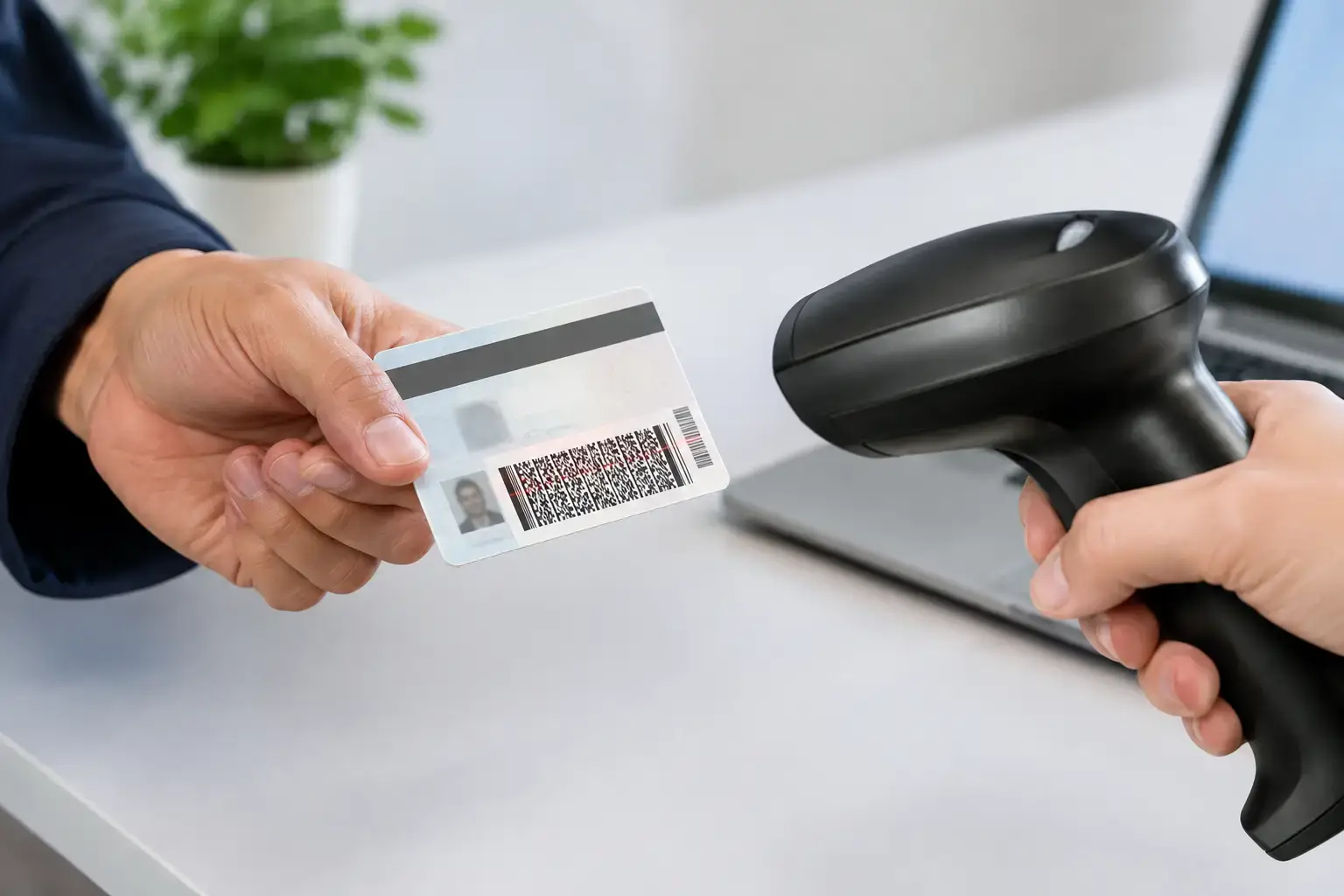
Most US driver’s licenses and state IDs include a PDF417 barcode that can contain name, date of birth, address, ID number, and other data. A compatible barcode scanner can read that data rapidly when the code is clear and the card is presented correctly. For many checkout workflows, this is the most efficient path to an age calculation.
Barcode data is not the same as document authentication. Reading a barcode can accurately extract the information encoded on the card, but it does not, by itself, prove that the physical ID is genuine, current, or belongs to the person presenting it. Employees should still be trained to inspect the card, photograph, security features, and customer when store policy requires it.
Image capture adds a different capability. A card scanner can create a readable digital image of the front and back of an ID for review or recordkeeping. This is useful when staff need to examine card details, when a barcode is damaged, or when a business needs documentation beyond a pass or fail result. The trade-off is that image capture can add a few seconds and creates sensitive records that must be handled carefully.
Some retailers benefit from both methods: barcode data for speed and an ID image only when an exception, policy, or regulated workflow calls for it. The best choice depends on the level of documentation required, not on collecting the greatest amount of data possible.
POS and software compatibility
A scanner should fit the applications employees already use. In a simple environment, a barcode scanner may function as a keyboard-emulation device, placing data into an active field in the POS or verification application. That can make deployment straightforward, but it requires thoughtful configuration so data lands in the right place and does not disrupt normal checkout activity.
More structured workflows may use software that parses the license data, calculates age, logs verification events, and routes only necessary information to the POS. Organizations with proprietary applications or specialized compliance requirements should evaluate SDK availability, supported operating systems, driver deployment, and API options before purchasing equipment.
Do not assume that a scanner advertised for ID reading will work with every POS platform or browser-based application. Ask for a test using representative IDs and the actual workstation configuration. Include older cards, worn barcodes, IDs from several states, and the lighting and counter setup employees will use in production.
Counter fit and employee experience
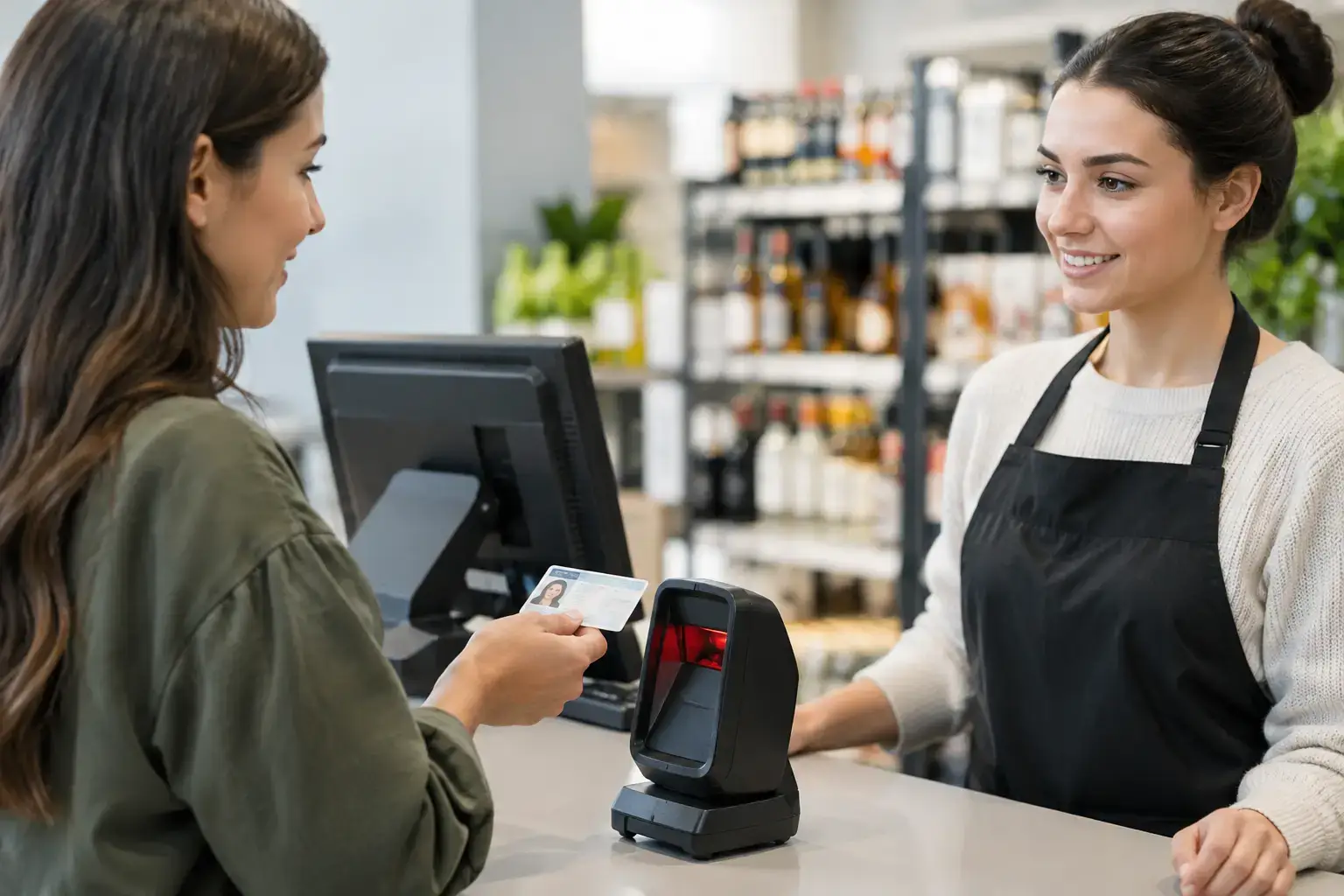
Retail hardware has to work at the pace of the counter. A handheld scanner can be practical where the employee needs to reach across a counter or scan from different positions. A compact desktop card scanner can offer more controlled image capture and a defined place for the customer’s ID. The physical design should support the way customers naturally present a card without creating awkward handoffs or bottlenecks.
Durability, cable routing, cleaning needs, and replacement availability matter as much as scan speed. A device that is technically capable but difficult to position, slow to reconnect, or prone to driver issues can lead staff back to manual workarounds. For multi-location operations, standardized hardware and centrally managed configuration simplify training and support.
Build Privacy Into the Workflow
Driver’s licenses contain personally identifiable information. Retailers should decide in advance what data they need, why they need it, who can access it, and how long it will be retained. A workflow designed only to confirm that a customer meets a minimum age may not need to store a full ID image or complete barcode payload.
Data minimization protects customers and reduces the burden on the business. If age verification events must be retained, consider whether the system can store a date, time, location, result, and authorized employee identifier without keeping unnecessary license details. If ID images or data are retained, apply role-based access, encryption where supported, documented retention periods, and secure deletion procedures.
State privacy laws, cardholder data practices, cannabis regulations, alcohol-control requirements, and company policy can all affect the appropriate approach. Compliance, legal, and IT stakeholders should be involved before the workflow is deployed, particularly when customer records will be stored or shared across locations.
Test for Real-World Exceptions
The strongest implementation plan accounts for the IDs that do not scan cleanly. A barcode may be scratched, a card may be expired, a customer may present an out-of-state ID, or the device may be temporarily unavailable. Staff need a clear exception process that preserves customer service without bypassing verification controls.
Training should explain what the scanner does and does not confirm. Employees should know when to inspect a card manually, when to request another form of identification, when to call a manager, and how to handle a system error. A simple written procedure at the register is often more useful than a lengthy policy stored in a portal.
Before a broad rollout, pilot the workflow at a few representative locations. Measure average verification time, scan success rate, manual override frequency, staff feedback, and POS errors. Those results reveal whether a configuration change, different device placement, or additional training is needed before expanding the program.
Make Compliance Easier to Repeat
An age verification process is only effective when employees can follow it reliably on a busy Saturday evening, during a staffing shortage, or at a newly opened location. The goal is not to add technology for its own sake. It is to replace inconsistent manual steps with a clear, efficient process that supports both compliance and a better checkout experience.
For retailers evaluating ID and document capture hardware, AMBIR technology can support workflows that need dependable scanning, readable card images, and integration options for business applications. The right setup starts with a practical question: what is the minimum information your team needs to make the correct decision, every time? Design around that answer, test it at the counter, and give employees a process they can trust.