

If your business relies on web-based software for daily operations, you’ve likely run into a frustrating roadblock: getting physical document and ID scanners to talk directly to your web browser.
Whether you run a medical clinic, a bank branch, a retail store, or a government office, moving your software to the web makes life easier. But when a front-desk staff member needs to scan an ID or document, the process often grinds to a halt.
Connecting physical USB hardware to a web page used to mean annoying workarounds, endless file uploads, or outdated browser add-ons that created security risks. Fortunately, modern software tools have solved this problem, making scanning into a web app, as simple as a single click.
Who Is This Solution For?
Making web-based scanning smooth and secure matters to everyone involved in running a modern business:
- Software Teams & Product Managers: Anyone building or managing web applications needs an easy, reliable way to add scanning features without writing complex custom code from scratch.
- IT Leaders & Operations Managers: Business decision-makers in healthcare, finance, retail and government, need tools that are safe, quick to set up across dozens of computers, and easy for staff to use on day one.
Why Is Web Scanning So Tricky?
To understand why this used to be so difficult, think of your web browser—like Chrome, Edge, or Safari, as a locked-down, secure room. By design, web browsers are built to keep websites from messing with the files, USB ports, or hardware on your computer.
When businesses switch from old desktop software to modern web portals, they usually run into three major pain points:
- The “Scan-Save-Upload” Shuffle: Without direct scanner connection, employees have to open a separate desktop app, save the scanned image to a temporary folder on their computer, switch back to the browser, and search for the file to upload. This wastes time, causes mistakes, and leaves sensitive records sitting on local hard drives.
- Old Browser Add-ons Are Gone: In the past, websites used special browser plugins to talk to scanners. Modern web browsers permanently blocked these old plugins because they created major security holes.
- Driver Confusion: Traditional scanners rely on standard software connections like TWAIN/WIA/STI drivers. Getting a web browser to negotiate with all those different hardware drivers on its own is an administrative nightmare.
How Simple Web-to-Hardware Scanning Works
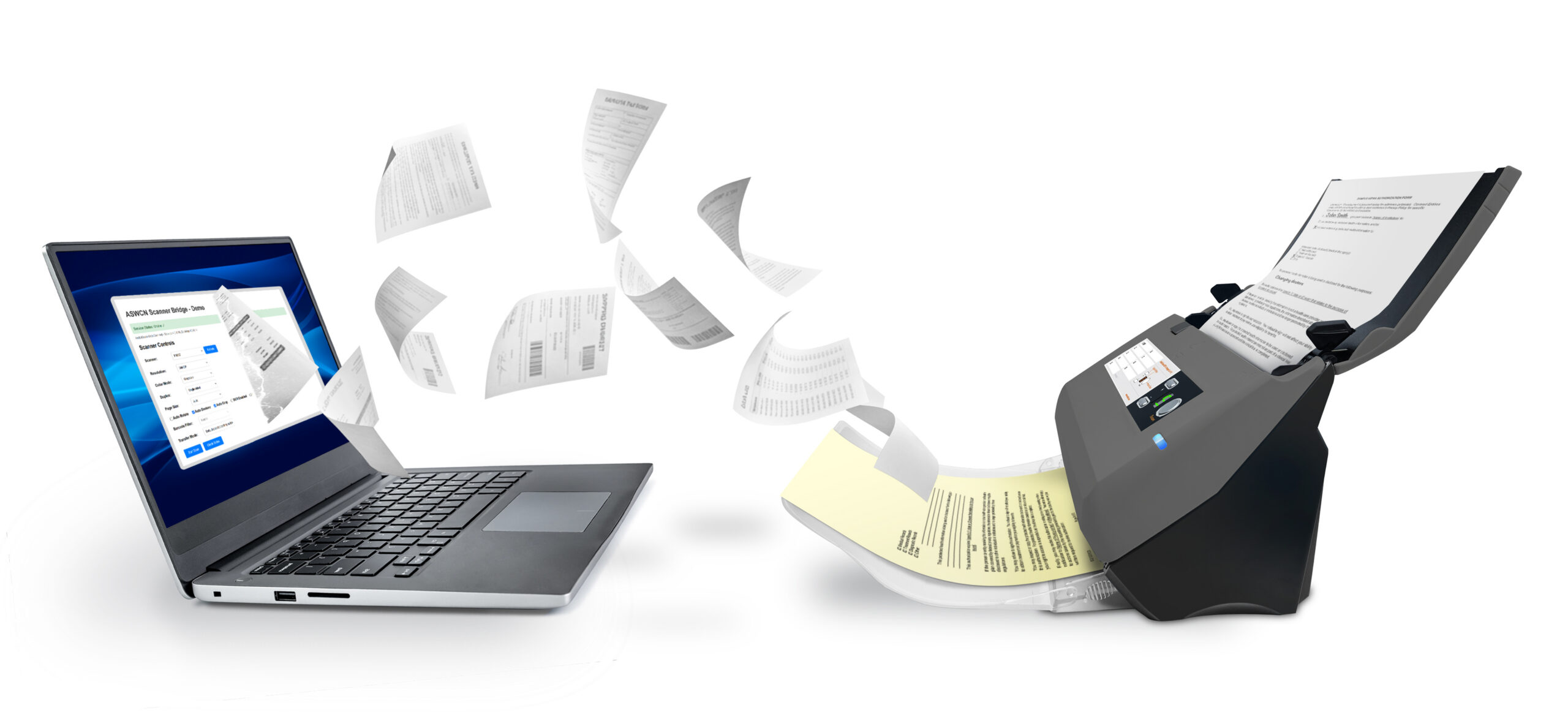
Instead of forcing your browser to talk directly to your USB scanner, modern solutions use a lightweight “helper” app that runs quietly in the background on your computer.
Think of the helper app as a friendly translator sitting between your web browser and your physical scanner:
- Click: A staff member clicks “Scan” directly inside your web application.
- Translate: The web browser sends a quick message to the background helper app running on the computer.
- Scan & Deliver: The helper app uses standard TWAIN/WIA/STI drivers to run the scanner, grabs the image, and hands it straight to the web app screen in seconds, so no saving to the desktop required.
Real-World Use Cases
Here is how direct web scanning simplifies daily work across different industries:
- Healthcare Patient Intake: Front-desk receptionists scan patient IDs, driver’s licenses, and insurance cards directly into cloud medical portals. Sensitive health data goes straight into the system without leaving unencrypted copies on local computer hard drives, keeping patient data private and HIPAA-compliant.
- Financial Services & Banking: Tellers and loan officers scan IDs, proof of income, and signed documents directly into web portals during customer onboarding, speeding up approvals and keeping branch operations moving fast.
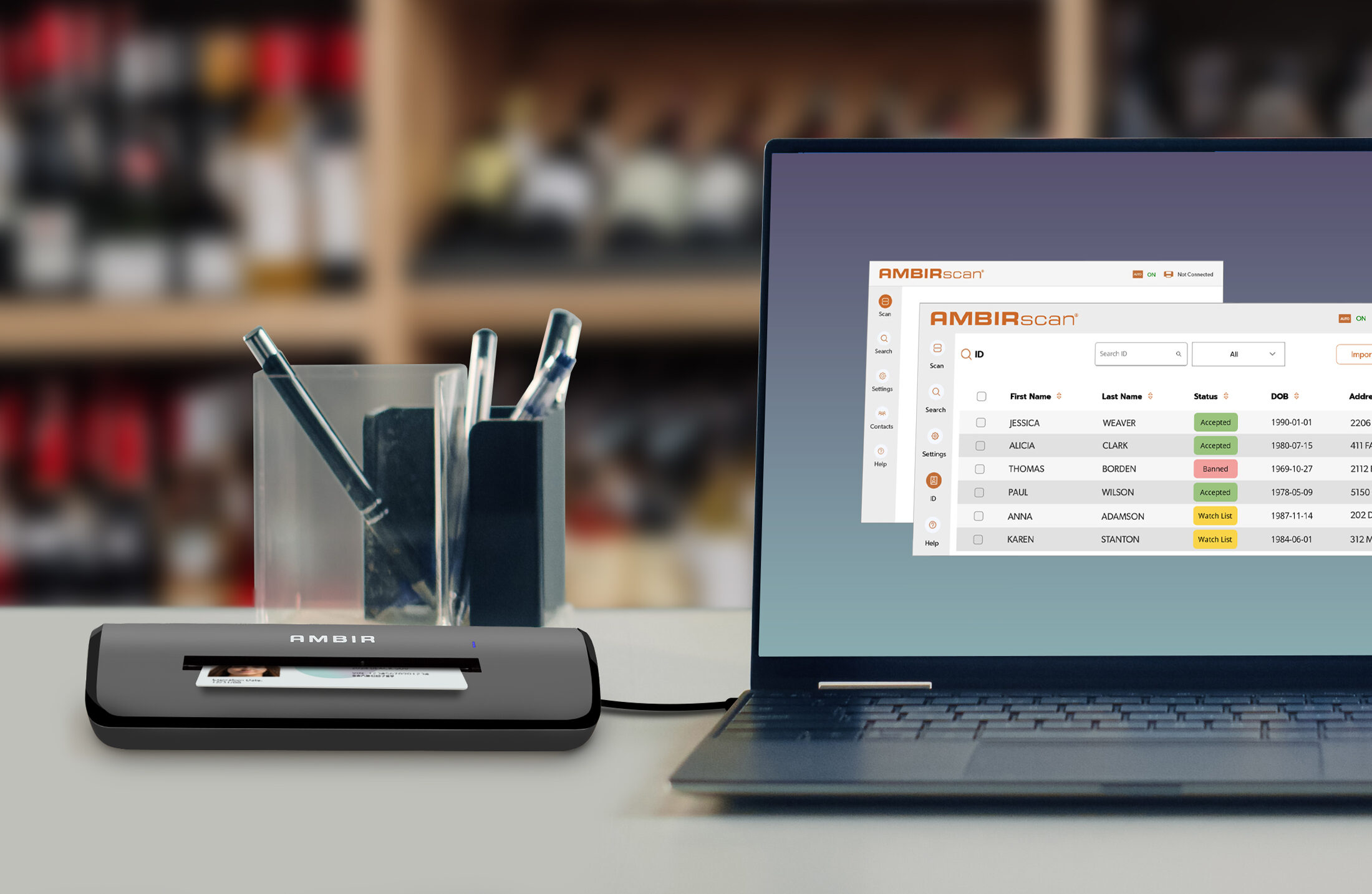
- ID Age Validation & Driver’s License Checking: Software can instantly read the 2D barcodes on the back of North American driver’s licenses formatted to AAMVA (American Association of Motor Vehicle Administrators) standards. With built-in barcode reading, web apps automatically calculate age and flag anyone under 18 or 21 for age-restricted retail, hospitality, or secure venues, eliminating manual math and human error.
- Government Services: Municipal clerks scan identity credentials and official applications directly into web-based portals at public service counters, keeping line wait times short and security tight.
Accurate Tooling Options: How AMBIR Integrates Web & Desktop Applications
For teams setting up their software, hardware provider AMBIR offers two clear integration options to fit your technical setup:
- AMBIRScan Web Connect: A dedicated web integration tool designed specifically for browser-based software. It provides a lightweight local service and a JavaScript API that lets web applications communicate directly with AMBIR scanners without using unsafe browser plugins or requiring users to manually save and upload files.
- AMBIR Image Scan SDK: A native software development kit (DLL/C-callable libraries) built for software engineers who need direct, low-level programmatic control over scanner hardware when building traditional Windows applications or custom desktop utilities.
Best Practices for a Safe, Easy Setup
If you’re upgrading your business software to support direct web scanning, keep these simple guidelines in mind:
- Keep Data Off the Hard Drive: Send scanned images straight into your secure web app session instead of saving temporary files to local folders. This protects customer privacy and satisfies strict security regulations.
- Use Easy IT Rollouts: Choose software packages that IT managers can install remotely across all office computers at once with a single click.
- Preview Before Submitting: Let staff crop, rotate, or review scanned pages right inside the web page before sending them off to the database.
The Bottom Line
Upgrading to web-based software shouldn’t make scanning harder. By using a smart web integration solution like AMBIRScan Web Connect, businesses can connect physical document, card, and barcode scanners directly to their web browser—saving time for staff, eliminating tedious file uploads, and keeping customer data secure.
AmbirScan Web Connect on Github
Developers can access and download the AmbirScan Web Connect SDK on GitHub. AmbirScan Web Connect enables web applications to control local TWAIN scanners through a simple JavaScript SDK. It bridges the gap between browser-based applications and hardware scanners by providing a local Windows service that your web app communicates with via REST API. CLICK HERE to access AmbirScan on GitHub
About AMBIR
AMBIR is a manufacturer of digital capture solutions for businesses and consumers. Headquartered in Chicago, IL and founded over 25 years ago on the premise of creating the highest quality hardware backed by hands-on support. AMBIR provides a variety of document and card scanners, eSignature pads and barcode scanners for various industries including healthcare, financial services, legal and more. We are known for being a hands-on organization who supports its clients with an internal team of dedicated professionals who know their clients by name. AMBIR is considered a market leading solution in the healthcare space due to it’s wide selection of products that integrate with leading EMR/EHR systems.