

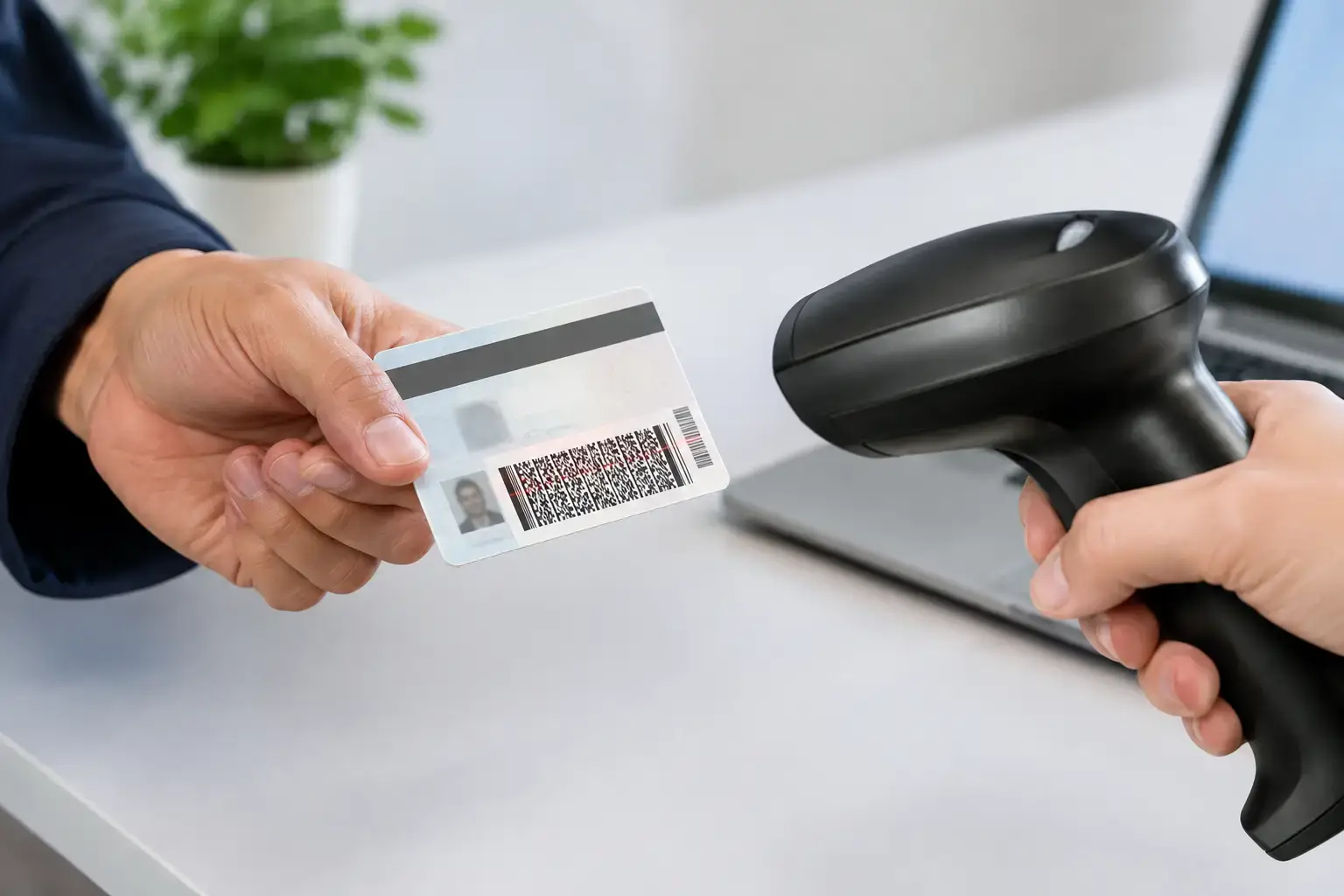
A PDF417 barcode scanner for IDs can turn a slow, error-prone check-in step into a structured data capture process. For registration desks, teller lines, age-verification counters, and field teams, the value is not simply reading a barcode. It is capturing the right information quickly, validating it against workflow rules, and sending it to the system that needs it without unnecessary rekeying.
PDF417 is the two-dimensional barcode format commonly found on the back of US driver’s licenses and many state-issued IDs. It can hold more data than a traditional linear barcode, often including a name, address, date of birth, license number, document expiration date, and jurisdiction-specific fields. The right scanner and software configuration can make that data useful at the point of service. The wrong choice can leave staff copying fields by hand after every scan.
What a PDF417 barcode scanner for IDs actually does
A scanner reads the encoded data from the barcode and passes it to an application. That sounds straightforward, but there are several distinct functions involved: reading the barcode, interpreting the data format, extracting the fields your staff need, and storing or transmitting those fields securely.
A basic 2D barcode scanner may read the PDF417 symbol and output a raw data string. That can be sufficient for a retail counter that only needs to confirm age or populate a single field. Healthcare registration, financial services, government intake, and other high-accountability workflows usually need more. They may require parsed fields, a captured image of the ID, document-expiration alerts, duplicate-record checks, or an audit trail showing that an ID was presented.
This distinction matters during procurement. A device that decodes PDF417 is not automatically an ID verification system. It reads the information encoded in the barcode. It does not by itself determine whether an ID is authentic, unaltered, or valid for every business purpose. Organizations with fraud-prevention requirements should define what verification means in their workflow before selecting hardware and software.
Match the scanner to the point of service
The best device depends on where and how IDs are presented. A compact handheld 2D imager is often a practical fit for retail, event entry, mobile teams, and service counters. Staff can scan an ID while it remains in the customer’s hand, and the unit can also read QR codes or other 2D barcodes used elsewhere in the operation.
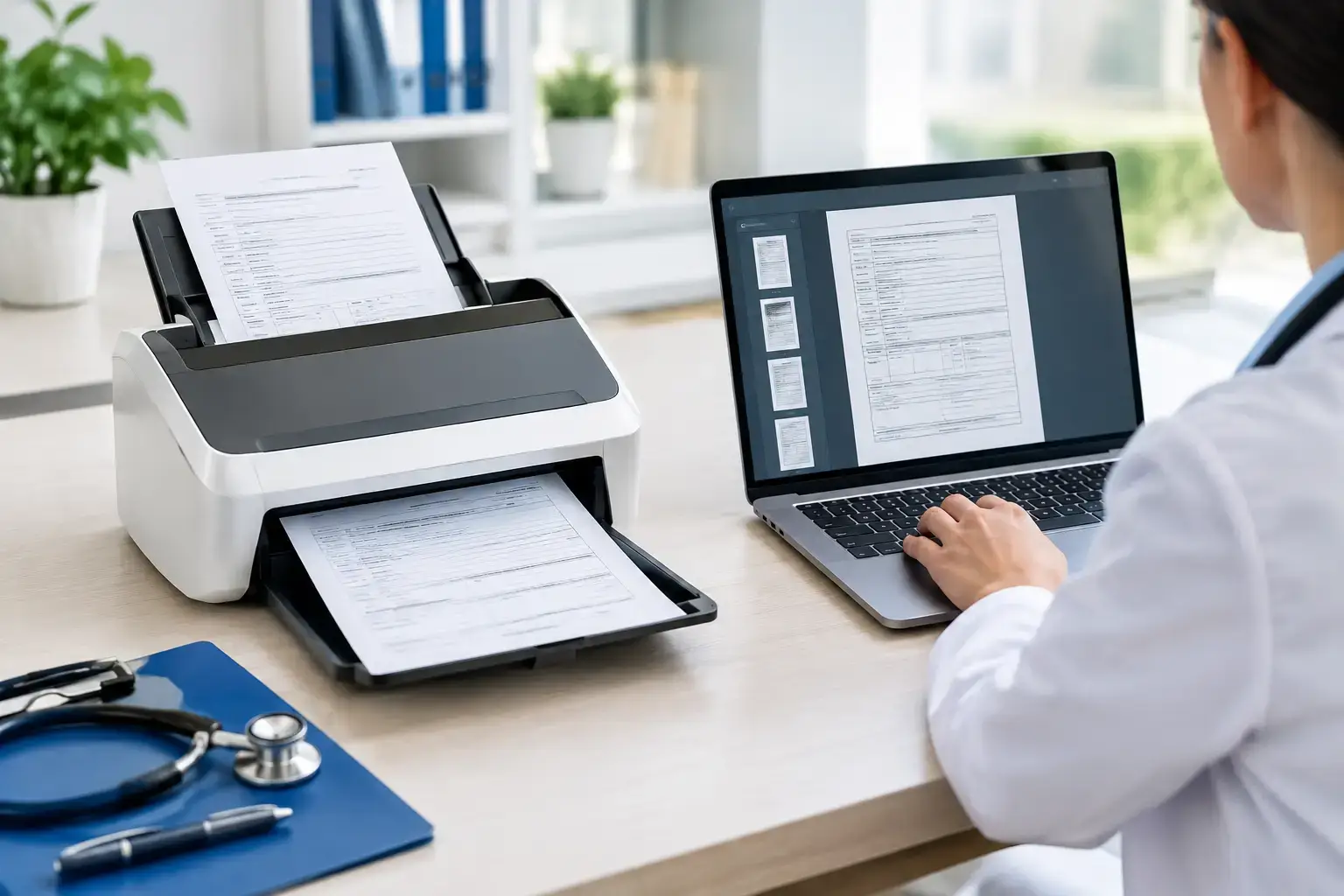
For a front desk that needs both ID data and a legible image of the card, an ID card scanner may be the better fit. These devices scan the front and back of an ID, creating a complete record while software extracts data from the PDF417 barcode. In a medical office, for example, staff may need to capture a driver’s license for patient identity and an insurance card for eligibility or billing. A dedicated card-scanning workflow can reduce the number of separate handling steps.
Desktop document scanners with card-scanning capability are useful when an intake team handles a mixed stream of documents, insurance cards, referral forms, and IDs. They can support a more consolidated workflow, though they may be less convenient than a handheld scanner for a quick, single-purpose counter transaction.
Consider the physical environment as carefully as the technical specifications. A busy registration area needs equipment that tolerates frequent use, is easy to clean, and does not require staff to position a card precisely for every scan. Mobile or field teams need USB connectivity, compact sizing, and dependable operation with the devices and applications they already use.
Data quality starts with decoding and parsing
PDF417 data on US driver’s licenses is commonly organized according to American Association of Motor Vehicle Administrators, or AAMVA, standards. However, implementation details can vary by issuing jurisdiction, card generation, and document type. A dependable workflow must handle normal variation without asking front-line staff to troubleshoot data formatting.
Decoding is the scanner’s ability to read the symbol. Parsing is the software’s ability to recognize the fields inside it. Parsing determines whether a date of birth reaches the date-of-birth field, whether an address is separated correctly, and whether the document expiration date can trigger a useful alert.
Before deployment, test representative IDs from the jurisdictions most commonly served by your organization. Include older cards where appropriate, cards with minor wear, and IDs presented under the lighting conditions of the actual workspace. Testing only a clean sample card at a conference-room desk does not prove that the workflow will perform during a busy Monday morning intake period.
Also define how your application should handle incomplete or unexpected data. A scan should not silently overwrite a patient or customer record with mismatched information. In many workflows, the better approach is to present the parsed fields for staff confirmation, flag a potential duplicate, or require an authorized user to resolve a discrepancy.
Evaluate the workflow, not just scan speed
A fast scan matters, but scan time is only one portion of the transaction. The more meaningful question is how much time the full process takes from presenting an ID to completing the record.
A useful PDF417 ID workflow should reduce repetitive keystrokes, prevent common transcription errors, and minimize context switching between applications. Keyboard-wedge mode, where the scanner sends data as though it were typed on a keyboard, can work well for simple forms. It is quick to deploy and broadly compatible, but it offers limited control over field placement and validation.
For more structured workflows, software integration is usually worth the planning effort. An application can map parsed fields to the correct database fields, retain an ID image where policy allows, check formatting, and route records into an EHR, CRM, case-management platform, or line-of-business system. SDK-based integrations provide the greatest flexibility when an organization needs a tailored user experience or must meet specific compliance requirements.
When evaluating options, ask these operational questions:
- Can the solution read the ID types and barcode symbologies your staff encounter?
- Does it provide the output you need: raw data, parsed fields, ID images, or all three?
- Can it connect to your current browser-based, desktop, or hosted application?
- What happens when a barcode is damaged, unreadable, or missing?
- Can administrators configure data handling, updates, and user access without disrupting operations?
These answers reveal more than a scan-rate specification. They show whether the solution will reduce work or simply move it to another step.
Protect ID data from capture through storage
Driver’s license information is sensitive personal data. Organizations should capture only what their documented business purpose requires and retain it only for as long as policy, contractual obligations, and applicable regulations allow. Storing a full ID image may be appropriate for some regulated onboarding, clinical, or government workflows, but it is unnecessary risk for others.
Security controls should cover the complete path of the information. That includes who can initiate scans, where the data is displayed, how it moves to downstream systems, who can retrieve it later, and how records are deleted. Role-based access, encryption in transit and at rest, audit logging, and endpoint management are practical requirements when ID data is tied to customer, patient, or account records.
Front-line design also affects privacy. A workstation should not expose a full license number or date of birth to people standing nearby. Staff training should explain when an ID image is required, what information may be discussed aloud, and how to handle a customer who declines scanning. Strong technology is most effective when the process around it is equally clear.
Plan deployment for real-world exceptions
The shortest path to a working deployment is to map the transaction before ordering devices. Identify who scans the ID, which fields are required, where those fields go, who resolves errors, and what staff do when an ID cannot be read. That process map helps operations, IT, compliance, and application owners agree on the intended outcome.
Pilot the workflow at one location or team before a broad rollout. Measure manual-entry time, correction rates, abandoned transactions, and staff feedback. These metrics make it easier to quantify the benefit of automation and identify adjustments to field mapping or screen design.
Support should be considered part of the solution. Drivers, application updates, operating-system changes, and new ID formats can affect a deployment long after installation. A provider with compatible capture software, integration options, and knowledgeable technical support can help preserve uptime and avoid a return to manual entry. AMBIR solutions are designed to support ID and document capture workflows where dependable hardware and practical software integration need to work together.
A PDF417 scanner earns its place at the desk when it makes the next decision easier: admit the patient, open the account, confirm eligibility, complete a compliant sale, or move a case forward. Select for that outcome, test against the IDs and systems your teams actually use, and build privacy into the process from the first scan.