


A stack of paper at a registration desk, branch counter, or back-office file room is more than a storage problem. It can slow intake, delay approvals, create rework, and make the right record difficult to find when a customer, patient, auditor, or employee needs an answer. Knowing how to digitize paper records means building a repeatable capture process that turns physical documents into usable, secure information without interrupting daily operations.
The objective is not simply to create image files. A successful digitization project makes records searchable, routes them to the systems teams already use, applies the right access controls, and gives staff a clear process for handling exceptions. That requires decisions about document priorities, scanner capacity, indexing, quality control, and retention before the first box is scanned.
Start With the Records That Delay Work
Most organizations should not begin by scanning every document they have ever stored. That approach often creates a large backlog of poorly organized files while current paper continues to arrive. Start with records that directly affect service, revenue, compliance, or operational speed.
For a healthcare practice, that may include patient IDs, insurance cards, referrals, signed consent forms, and prior authorizations. A financial institution may prioritize account-opening forms, identity documents, loan paperwork, and transaction records. Field-service teams may focus on signed work orders, inspection forms, receipts, and proof-of-delivery documents.
Interview the people who touch these records every day. Ask where paper waits, where staff manually retype information, and where missing paperwork creates delays. This work identifies the highest-value workflow to digitize first and prevents IT or operations teams from designing a process around assumptions.
Separate active records from archive records. Active records need fast capture and immediate access. Archive conversion is usually a separate project with different staffing, equipment, indexing rules, and quality requirements. Keeping those efforts distinct makes both more manageable.
How to Digitize Paper Records: Build the Workflow First
Before selecting equipment or assigning scanning tasks, map the path each document should take. A practical workflow typically includes document preparation, capture, image cleanup, data extraction or indexing, quality review, storage, and routing to the correct business system.
Document preparation matters more than many teams expect. Staff may need to remove staples, unfold pages, arrange multi-page packets in order, separate document types, and identify damaged pages. For historical files, this step can determine whether scanning runs smoothly or becomes a cycle of jams and rescans.
Next, define what must be captured from each document. In some workflows, a clear image and a patient or customer record number are enough. In others, teams need extracted fields such as name, date of birth, account number, document type, service date, or expiration date. Do not collect more metadata than users need. Excessive indexing adds keystrokes, raises error rates, and reduces the throughput gains digitization is meant to deliver.
Then decide where the finished record belongs. A scanned document that remains in an unstructured folder may be digital, but it is not necessarily useful. Records should route to the relevant document management platform, CRM, accounting system, EMR/EHR, case-management application, or secure repository. Integration requirements should be identified early, particularly when staff need to attach images to an existing record during intake.
Match the Scanner to the Document Mix
Scanner selection should follow the workflow, not the other way around. A high-volume back-office operation handling multi-page letter and legal documents has different needs than a front desk capturing an insurance card and photo ID while a patient waits.
For batches of standard paper documents, a duplex document scanner with an automatic document feeder reduces handling time by capturing both sides in one pass. Speed matters, but reliable feeding and image quality matter just as much. A scanner that requires frequent operator intervention can erase the value of its rated pages-per-minute speed.
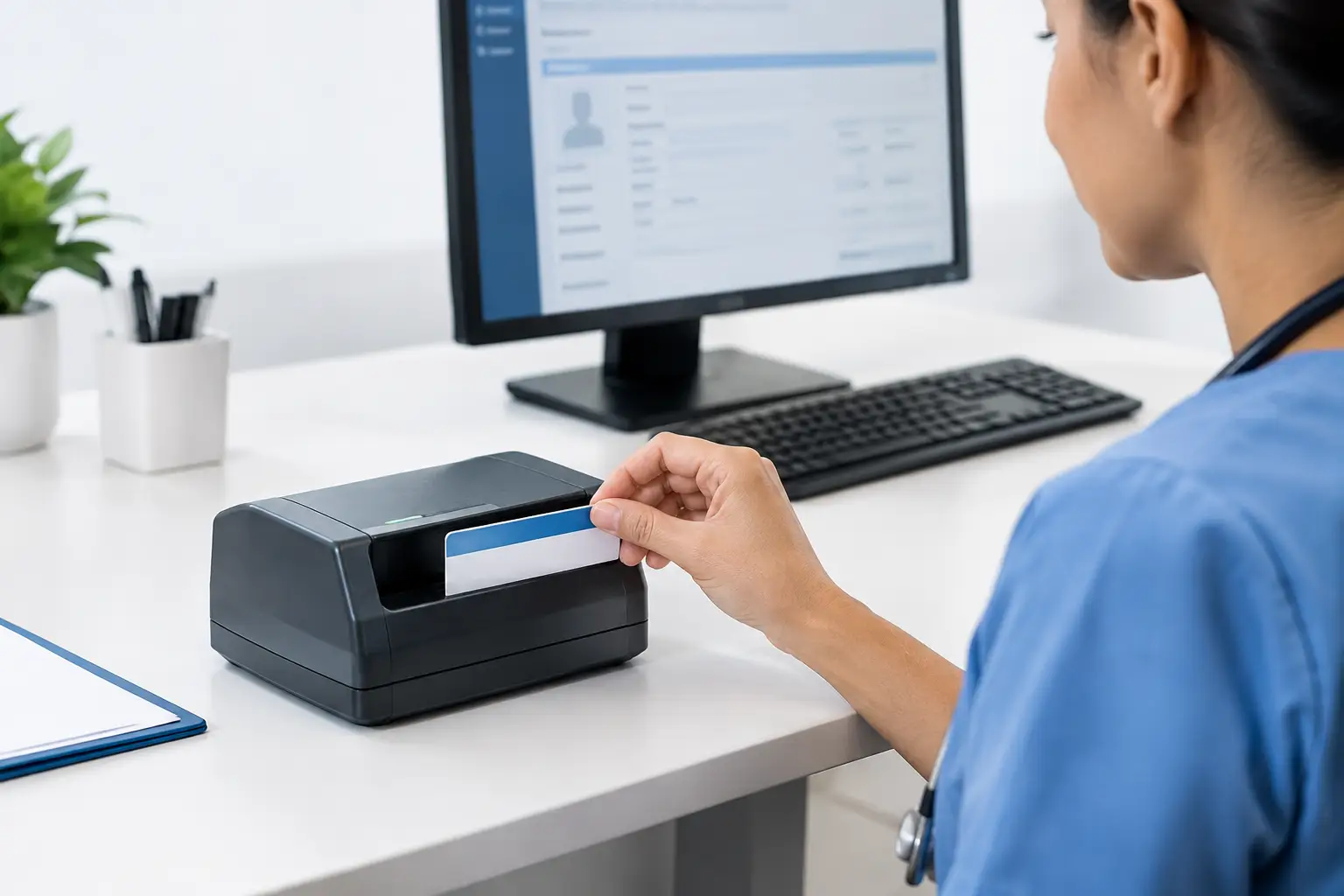
For identification cards, insurance cards, and embossed cards, a dedicated card scanner can provide a more consistent front-and-back capture process than forcing cards through equipment designed primarily for paper. Mobile teams may need compact hardware that fits in a vehicle or field kit, while records departments may benefit from higher-capacity devices designed for sustained daily volume.
Also consider the physical condition of the source material. Fragile, faded, small, or irregular documents may require a flatbed or document camera rather than a feeder. A mixed environment is common. The best deployment may use different capture devices at registration, in back-office processing, and in mobile locations while applying consistent file naming and routing rules across each location.
Create Indexing Rules People Can Follow
A file name like “Scan_00482.pdf” creates a digital filing problem instead of solving a paper one. Every record should have enough context to be found and matched to the correct person, account, case, or transaction.
Use a limited, standardized index structure. For example, a healthcare workflow might use patient identifier, document type, and date of service. An accounts-payable workflow might use vendor name, invoice number, and invoice date. The exact fields depend on the application, but the rule is consistent: index values should support retrieval, routing, and audit needs.
Where possible, use barcode sheets, barcode recognition, templates, OCR, or data extraction to reduce manual entry. Automation can improve speed, but it should be tested with real documents before full deployment. OCR performance can decline on handwritten notes, poor photocopies, skewed pages, unusual forms, and low-contrast text. Build an exception process for documents that cannot be classified or read confidently.
File formats also deserve attention. PDF is commonly useful for multi-page business documents, while image formats may fit certain application-specific workflows. Confirm what the destination system accepts, whether it requires searchable text, and whether it imposes limits on file size or resolution.
Build Quality Checks Into Daily Capture
Quality assurance should happen during capture, not weeks later when someone cannot read a signature or locate the reverse side of an ID card. The goal is to catch errors while the original paper is still available and the transaction is still familiar to staff.
A practical quality review verifies that pages are complete, legible, correctly oriented, and attached to the right record. It should also confirm that required index fields are present and that sensitive information was not routed to the wrong destination. For high-volume work, teams can review every exception and use random sampling for routine documents after the process has proven stable.
Set clear thresholds for rescanning. Faint images, cropped text, missing backs of cards, blank pages in a document package, and unreadable signatures should trigger review. However, do not create a quality process so heavy that every routine scan requires multiple approvals. The right level of review depends on the record type and its risk. A casual internal memo does not demand the same controls as a signed consent form or identity document.
Protect Sensitive Records From Capture to Storage
Digitization changes how records move, who can access them, and how quickly they can be copied. Security must be part of the workflow design, particularly for protected health information, financial data, government records, and personally identifiable information.
Use role-based access so employees see only the records required for their work. Secure devices and workstations with appropriate authentication, keep scan destinations controlled, and avoid storing sensitive files in unmanaged local folders. Encryption in transit and at rest, audit logging, retention settings, and documented disposal practices should align with organizational policy and applicable requirements.
Paper handling still matters during the transition. Establish secure collection points, limit unattended stacks at shared scanners, and define where originals go after quality review. Some documents may need to be retained for legal, regulatory, contractual, or evidentiary reasons. Do not destroy originals simply because they have been scanned. Confirm retention requirements with compliance, legal, and records-management stakeholders first.
Pilot One Workflow Before Expanding
A focused pilot reveals issues that process diagrams rarely show. Choose a department with a meaningful paper burden, engaged users, and measurable outcomes. Train a small group, run the workflow with real documents, and collect feedback from both front-line staff and system administrators.
Measure more than scan speed. Track turnaround time, indexing errors, rescans, missing-document incidents, time spent searching for records, and the number of manual data-entry steps eliminated. In healthcare, teams may also measure check-in time, claim-related documentation delays, or the speed of insurance verification. These metrics show whether the new process is improving operations rather than merely moving paper into digital storage.
Refine the workflow before broad rollout. This may mean adjusting document separators, changing index fields, revising scanner settings, improving training, or adding an integration step. Solutions such as Ambir document and card capture tools can support this kind of role-specific deployment when organizations need dependable capture at desks, intake counters, and high-volume processing stations.
The most durable digitization programs make the right action easier for staff: scan at the point of interaction, verify the record while the original is present, and send it directly where work happens. When that process becomes routine, paper stops being a daily bottleneck and becomes information the organization can find, protect, and use.