


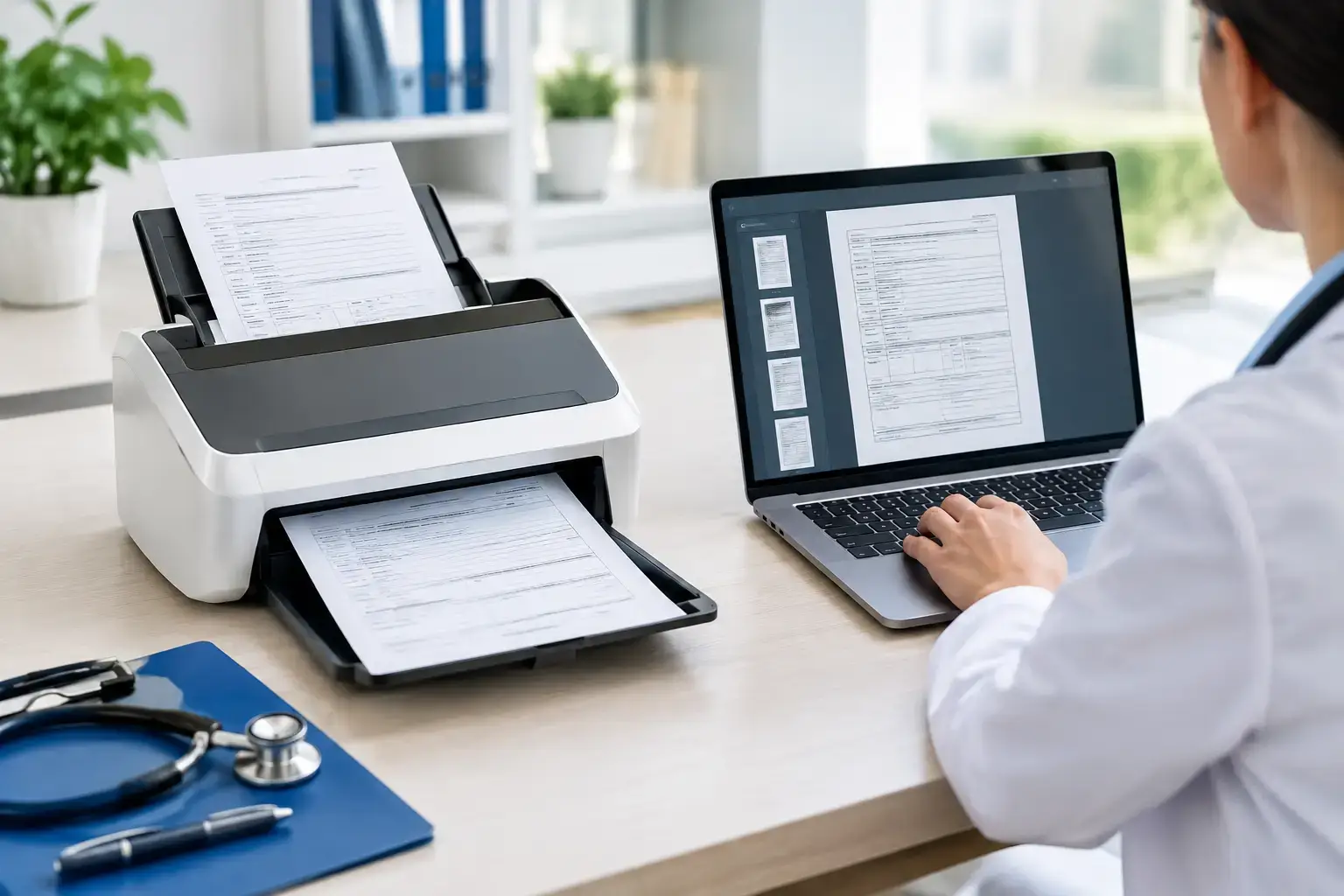
A registration desk can scan an insurance card in seconds, yet the image may still create risk if it lands in an unsecured folder, stays on a shared workstation, or is sent to the wrong system. HIPAA compliant document scanning is not simply a matter of choosing a scanner labeled for healthcare. It is the disciplined process of capturing protected health information, moving it into an approved workflow, controlling access, and managing the record through retention and disposal.
For healthcare organizations, that distinction matters. The fastest intake process is only useful when staff can trust that documents reach the right patient chart, authorized users can retrieve them when needed, and sensitive data does not remain exposed on a counter, device, inbox, or local drive.
HIPAA Compliant Document Scanning Starts With Workflow
HIPAA does not certify scanners, and no single device can make an entire workflow compliant. The term is useful shorthand, but the real standard is whether a covered entity or business associate has applied appropriate administrative, physical, and technical safeguards to protected health information, or PHI.
A document scanner is one component of that environment. Its job is to produce a reliable image or data capture at the point of service. Compliance depends on what happens before and after capture: who is permitted to scan, where the image is temporarily stored, how it is transmitted, whether it is matched to the correct patient record, and how access is logged and reviewed.
This is why a clinic that scans directly into an approved electronic health record may have a lower-risk workflow than one that scans to a desktop folder for later upload. The same scanner can support either process. The difference is the controls around it.
What the Scanner Can and Cannot Do
A healthcare-ready document capture device should fit the workload and the documents staff actually handle. At a front desk, that may mean insurance cards, patient IDs, referrals, signed forms, and records released by another provider. In a records department, it may mean large batches of multipage documents that require consistent image quality and dependable paper handling.
The right hardware can reduce rescans, prevent clipped card images, and make it easier for staff to capture both sides of an ID or insurance card at intake. Software can also help apply document naming rules, route files to an EHR or document management system, extract usable data, and eliminate unnecessary manual entry. Those are operational advantages with compliance value because fewer handoffs and fewer manual corrections generally mean fewer opportunities to misfile PHI.
But hardware and capture software do not replace a security risk analysis, workforce training, access policies, or vendor oversight. A scanner cannot determine whether a receptionist should have access to all historical charts. It cannot validate that a cloud storage provider has the necessary business associate agreement. It cannot correct an unclear retention policy.
Treat the device as an endpoint in a controlled process, not as the compliance program itself.
Build a Secure Capture Path
The most reliable approach is to map the document journey from the moment it reaches the desk to the point where it is retained or securely destroyed. Include paper, scanned images, temporary files, printed copies, and data extracted through optical character recognition. Each stage can create a different exposure.
Start with the point of intake
Use defined scan profiles for common document types. For example, staff may select a profile for an insurance card, government-issued ID, referral, or consent form. Profiles should direct documents to approved destinations and use consistent naming or indexing rules. Avoid making users browse shared network folders or choose among unclear destinations during a busy patient check-in.
Physical safeguards still apply. Documents waiting to be scanned should not sit unattended at a public-facing counter. Scanned pages should be collected immediately from the output tray. Workstations should be positioned so patients and visitors cannot view documents or open charts on screen.
Control temporary storage and transmission
Many scanning applications create temporary image files before the final document is sent to its destination. IT teams should understand where those files reside, how long they remain there, whether they are encrypted, and whether they are removed after a successful upload. A local folder that is convenient for troubleshooting can become a persistent source of PHI exposure if it is not governed.
Data in transit should use approved secure connections, and data at rest should be protected according to the organization’s security standards. The exact configuration depends on the EHR, document management platform, network architecture, and capture software. What should not depend on the situation is basic validation: confirm that a document reaches the intended patient chart, that failures are visible to the right staff, and that failed files do not disappear into an unmonitored queue.
Limit access and preserve accountability
Access should follow job responsibilities. Front-desk staff may need to capture and attach documents, while billing staff may need access to insurance information and records personnel may need broader indexing tools. Shared user accounts make this difficult to manage and weaken accountability. Individual credentials, automatic session timeouts, and role-based permissions provide a much clearer control structure.
Audit logging is equally practical. When a record is incorrectly attached or a document cannot be found, operations and IT need to know who captured it, when it entered the system, and what actions followed. Logging supports incident response, quality assurance, and day-to-day troubleshooting, not just compliance reviews.
Plan for paper and exception handling
Not every document will scan cleanly, and not every patient record will be available at the moment of capture. Define what staff should do when an image is unreadable, a patient match is uncertain, an upload fails, or the system is unavailable. A secure downtime process may include controlled storage, limited access, reconciliation after systems return, and documented destruction or filing of paper originals.
Retention rules also need to address duplicate paper. Some organizations must retain originals for legal, clinical, or payer reasons. Others can securely destroy paper after confirming image quality and successful indexing. The correct approach depends on organizational policy, state requirements, payer obligations, and record type. The key is to make the decision deliberately rather than leaving it to individual staff members.
Selecting Technology for Healthcare Capture
When evaluating scanning technology, begin with workflow questions rather than a feature checklist. How many documents are processed each day? Are documents mostly cards, single pages, or large batches? Does the organization need TWAIN, ISIS, browser-based capture, or a direct integration with an EHR or practice management system? Will staff scan at a fixed registration desk, in a mobile clinic, or across multiple locations?
Then assess whether the solution supports the controls your environment requires. Useful capabilities often include configurable scan destinations, authenticated access, centralized device management where needed, image cleanup that improves legibility, and integrations that reduce manual handling. SDK options may be valuable when a health IT team or software partner needs to embed capture into an existing intake application rather than force users into a separate scanning workflow.
Reliability belongs in the compliance conversation as well. A device that jams frequently or produces inconsistent images encourages workarounds: stacks of paper awaiting rescans, staff emailing files to themselves, or delayed uploads performed after the patient leaves. Dependable document and card capture helps keep the approved process practical under real front-desk pressure. AMBIR solutions are designed for these healthcare capture scenarios, including IDs, insurance cards, patient documents, and integration-driven workflows.
Validate the Process Before Full Deployment
A pilot should test more than image quality. Have front-line users process realistic documents at normal speed, including worn insurance cards, multipage referrals, double-sided IDs, and documents that require manual review. Verify that the right image reaches the right record and that staff can correct exceptions without creating unauthorized copies.
IT and compliance teams should also test permissions, timeout behavior, temporary-file handling, audit logs, and failure notifications. If a third party hosts, transmits, or manages PHI as part of the solution, review the relationship and required agreements before production use. Training should explain not only which buttons to press, but why staff must not use personal email, consumer storage services, or unapproved USB drives to move patient documents.
A well-designed process makes the compliant action the easy action. When staff can capture a clear document at the desk, route it directly to the approved record, and resolve exceptions with confidence, privacy and productivity stop competing for attention.